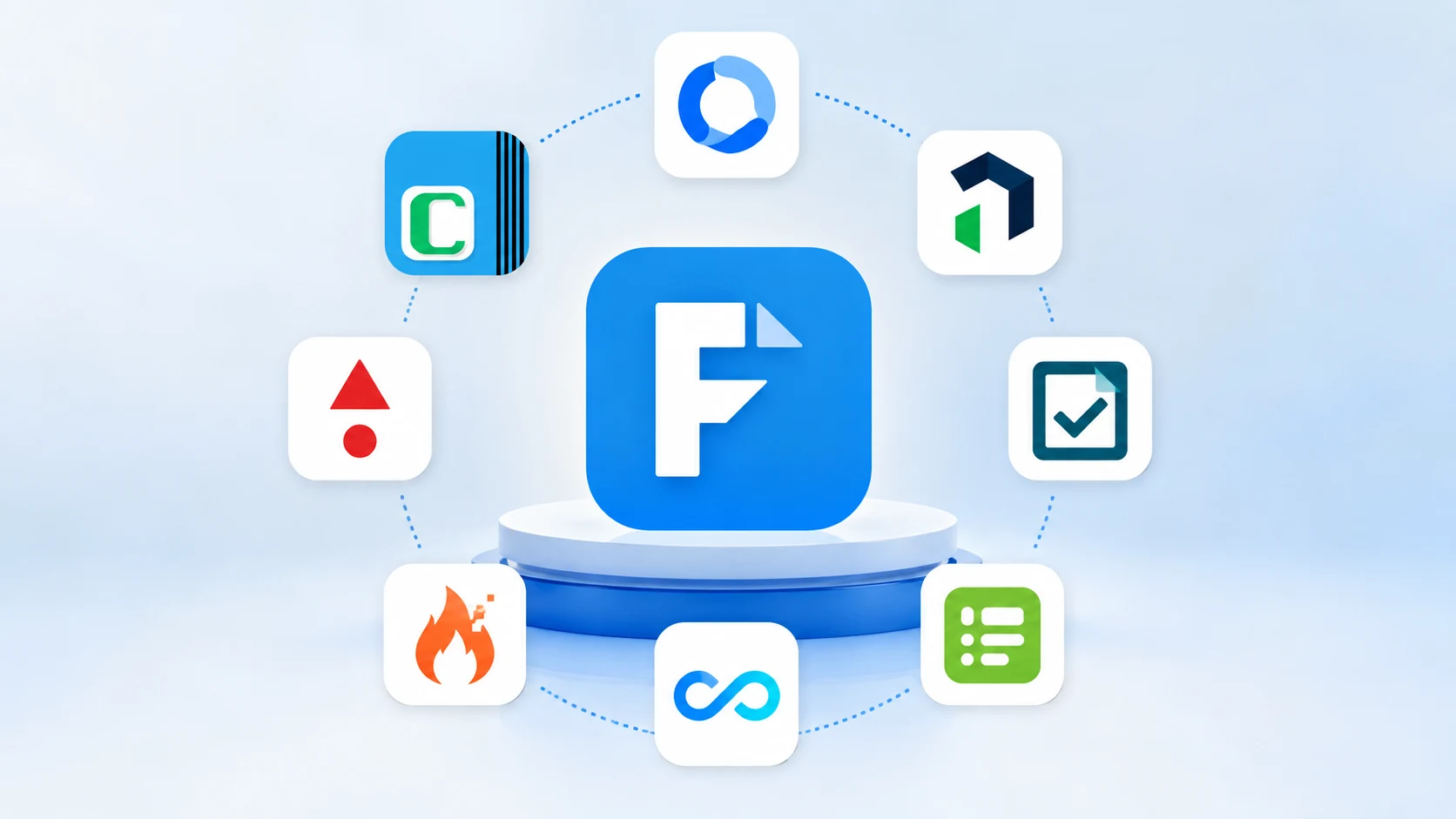
FastField is a capable mobile-forms tool, but plenty of field teams outgrow it. The common triggers are familiar: photos and GPS stamps that don't sync reliably in low-signal areas, a report builder that needs finishing touches in another app, no bulk way to add seasonal crew, and a bill that climbs every time you switch on workflows or contractor access. If any of that sounds like your week, this guide compares the 8 best FastField alternatives for 2026 - across offline reliability, workflow automation, reporting, and price - so you can pick the right mobile forms and inspection app for your team.
The best FastField alternatives in 2026 are: Clappia (best no-code app builder), Fluix (best for inspection workflows), TrueContext (best for enterprise integrations), Fulcrum (best for GIS/location data), GoFormz (best for paper-style PDFs), Forms On Fire (best AI form builder), Connecteam (best for frontline teams), and Kizeo Forms (best budget option). Below is an at-a-glance comparison, followed by a deep look at each.
Understanding FastField's gaps helps you weigh what to look for in a replacement. Four issues come up again and again:
The strongest alternatives fix at least two of these — and the best fix all four. If offline is your priority, our guide to offline mobile data collection software and the best offline survey apps goes deeper.
We evaluated each tool on the criteria that matter for real field work: genuine offline reliability (including media), workflow automation and corrective actions, reporting quality, integration depth, the cost of external/contractor access, pricing transparency, and support. Where a platform does more than forms — dashboards, approvals, or a full custom app — we weighted that, because most teams want to consolidate tools, not add another one.
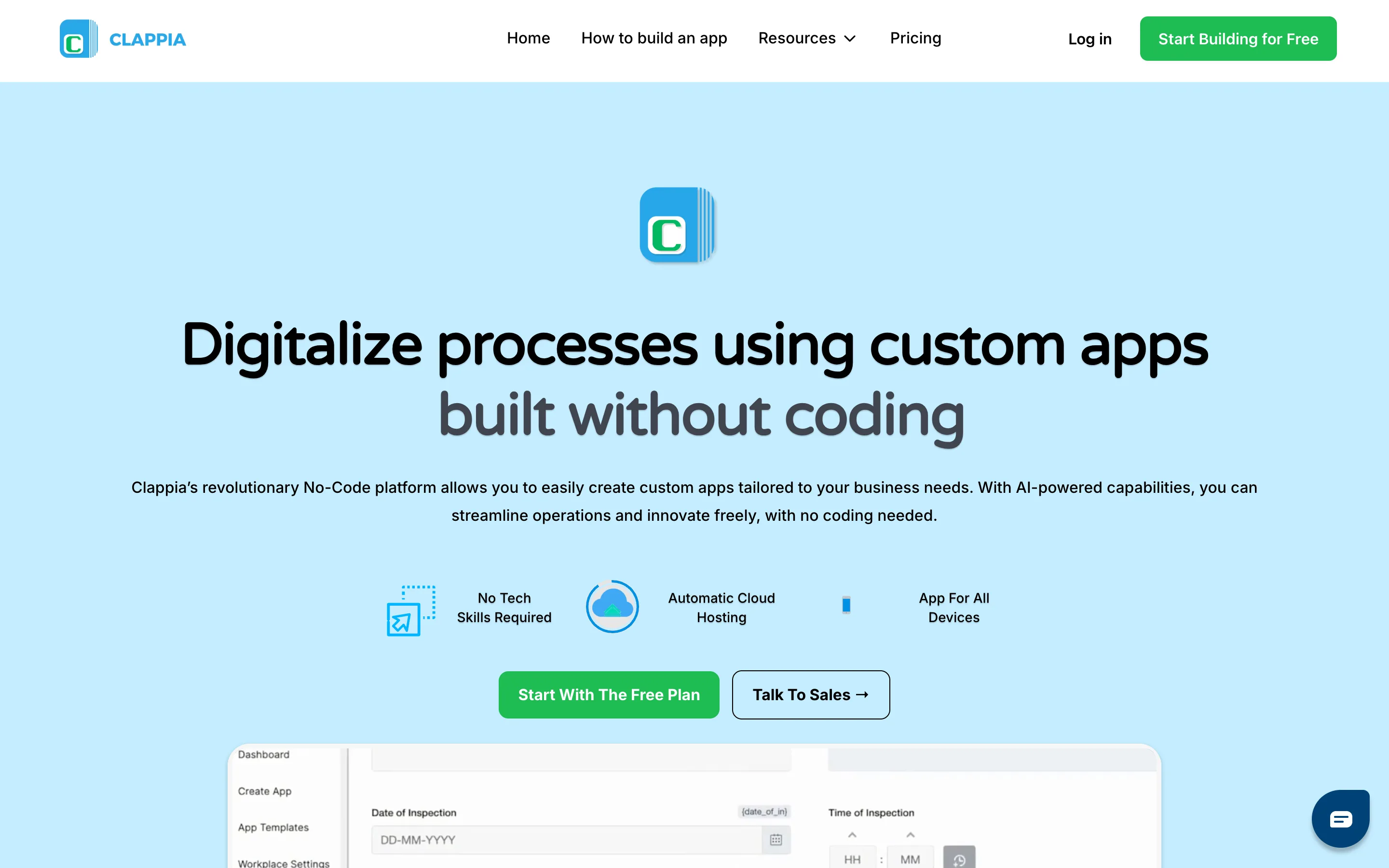
Clappia is an affordable no-code platform for building custom mobile and web apps for field data collection. Teams can create offline forms with drag-and-drop blocks, capture GPS, photos, signatures, and barcodes, automate workflows and approvals, and monitor submissions through live dashboards. It also supports geofencing, APIs, and enterprise integrations, so the same platform can handle inspections, field operations, and other business processes as requirements grow.
Where it stands out:
Pros: Reliable offline capture including photos; strong inspection-to-approval workflows; audit-ready reports; implementation support.
Cons: As an app builder it offers more than a single-purpose forms tool, so there's a little more to set up up front.
Pricing: Free plan available, Paid plans start at $6/user/month.
Bottom line: If you want to replace FastField and stop stitching separate tools together, Clappia is the most future-proof choice.
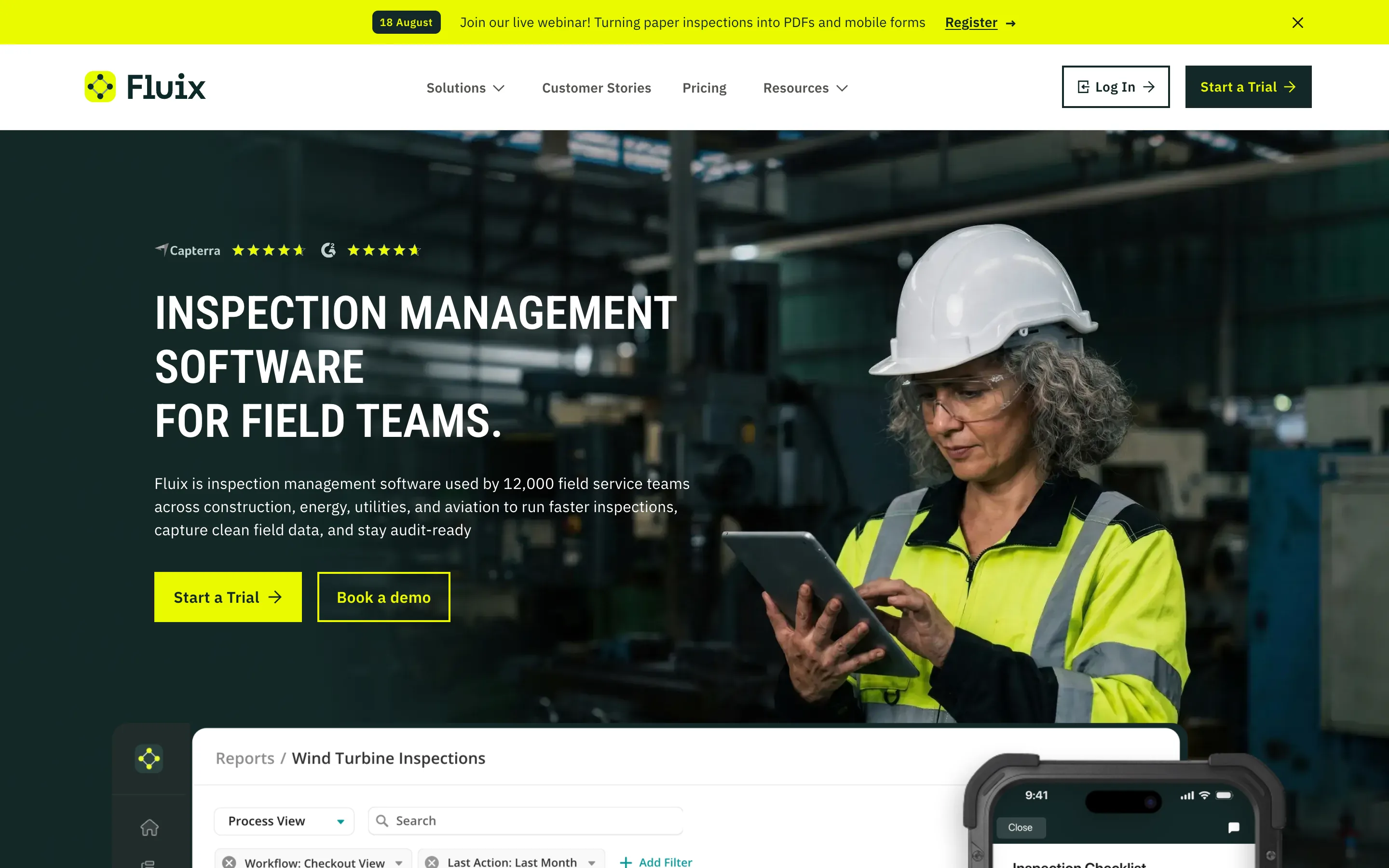
Fluix is built around structured field inspections and document workflows. Its strength is connecting offline inspection capture with corrective actions, approvals, reporting, and other steps after the inspection is submitted.
Pros: Reliable offline capture including photos; strong inspection-to-approval workflows; audit-ready reports; implementation support.
Cons: Starts at a higher price; minimum user requirements apply; some Android capabilities lag behind iOS.
Pricing: From $29/user/mo (Crews), $49/user/mo (Operations), custom Enterprise.
Bottom line: A strong FastField alternative when you want affordable offline field forms today and the flexibility to expand into GPS, workflows, dashboards, and enterprise operations without switching platforms.
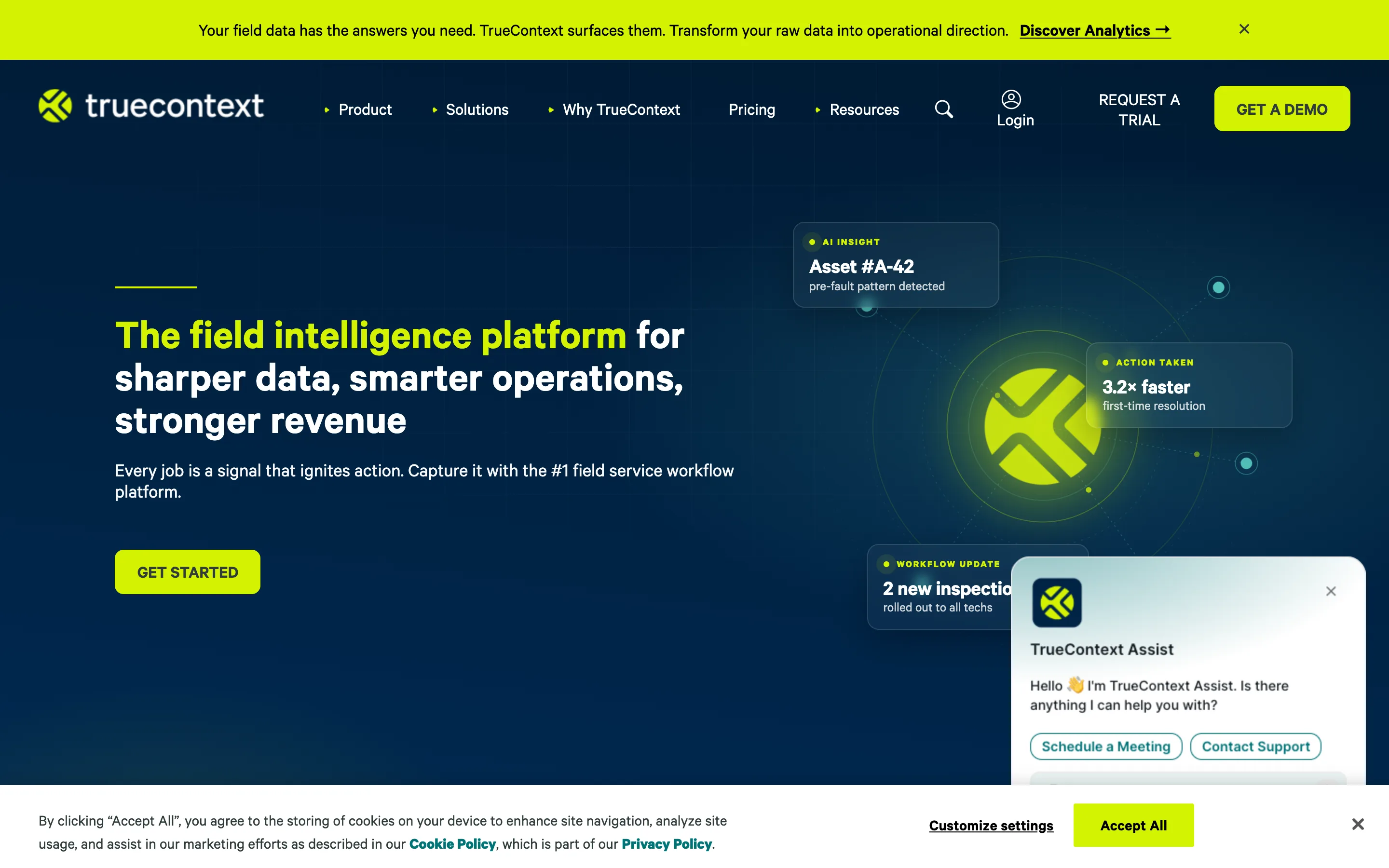
TrueContext (formerly ProntoForms) is an enterprise field-service workflow platform built around deep back-office integration. Context-aware forms surface the right data at the right step, and native connectors push submissions straight into enterprise systems.
Pros: Guided, context-aware workflows; strong native integrations; enterprise-grade security.
Cons: Entry pricing is steep and covers basics only; lower tiers cap questions and conditional rules; the mobile UI feels dated.
Pricing: From roughly $400/mo for the team (billed annually); higher tiers custom-priced.
Bottom line: Best when tight integration with enterprise systems matters more than price.
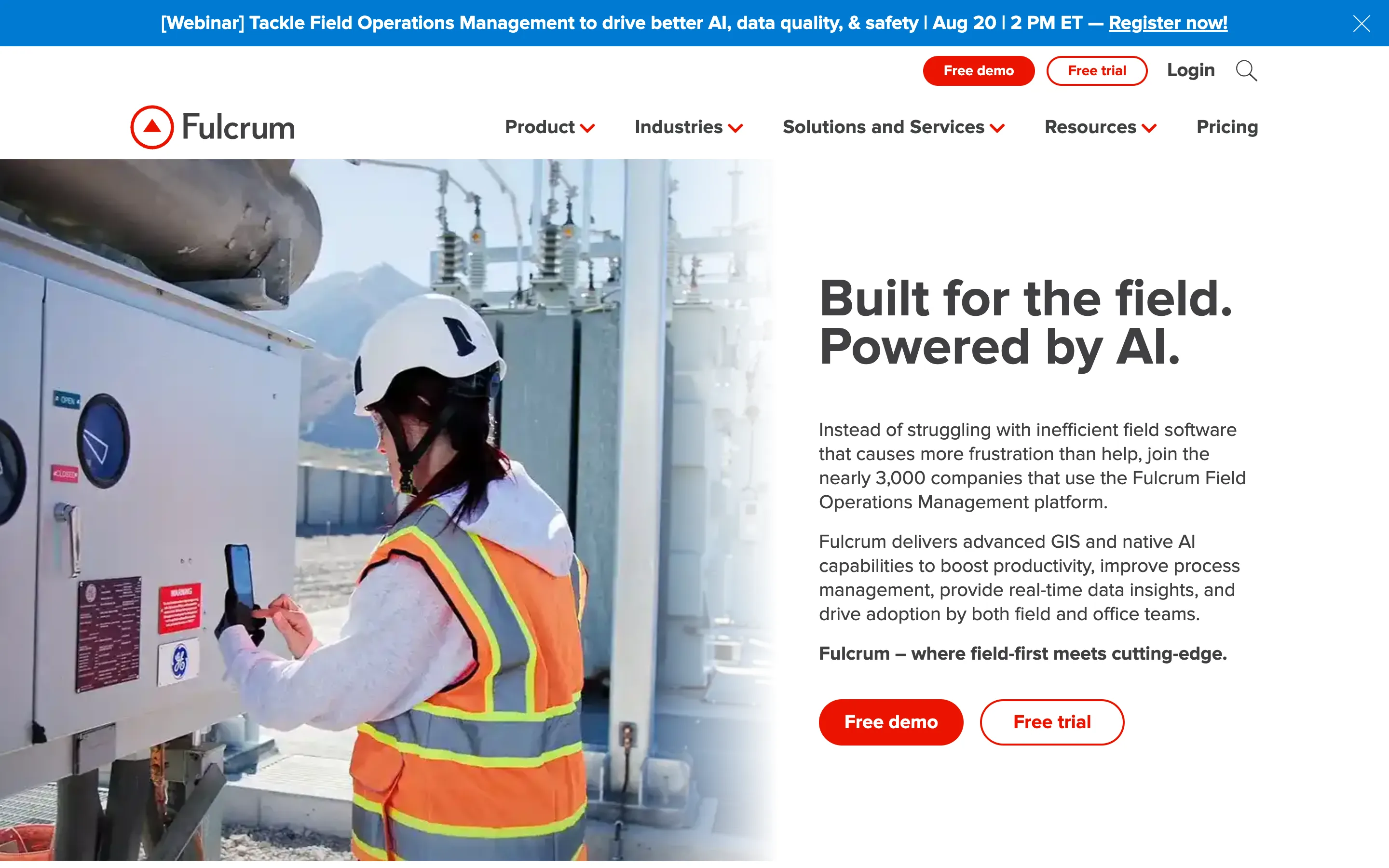
Fulcrum is purpose-built for location-first data collection, with GPS stamping, geocoding, and native ArcGIS integration. For environmental, utility, and survey teams that live in maps, its geospatial depth is hard to beat.
Pros: Unmatched GIS/mapping; clean form builder; AI-assisted field-data insights.
Cons: Price is hard to justify outside GIS use cases; no native corrective-action workflow; API/webhooks require the top tier.
Pricing: $43/user/mo (Professional), $55/user/mo (Elite), custom Enterprise.
Bottom line: The right call for geospatial data collection; overkill for standard inspections.
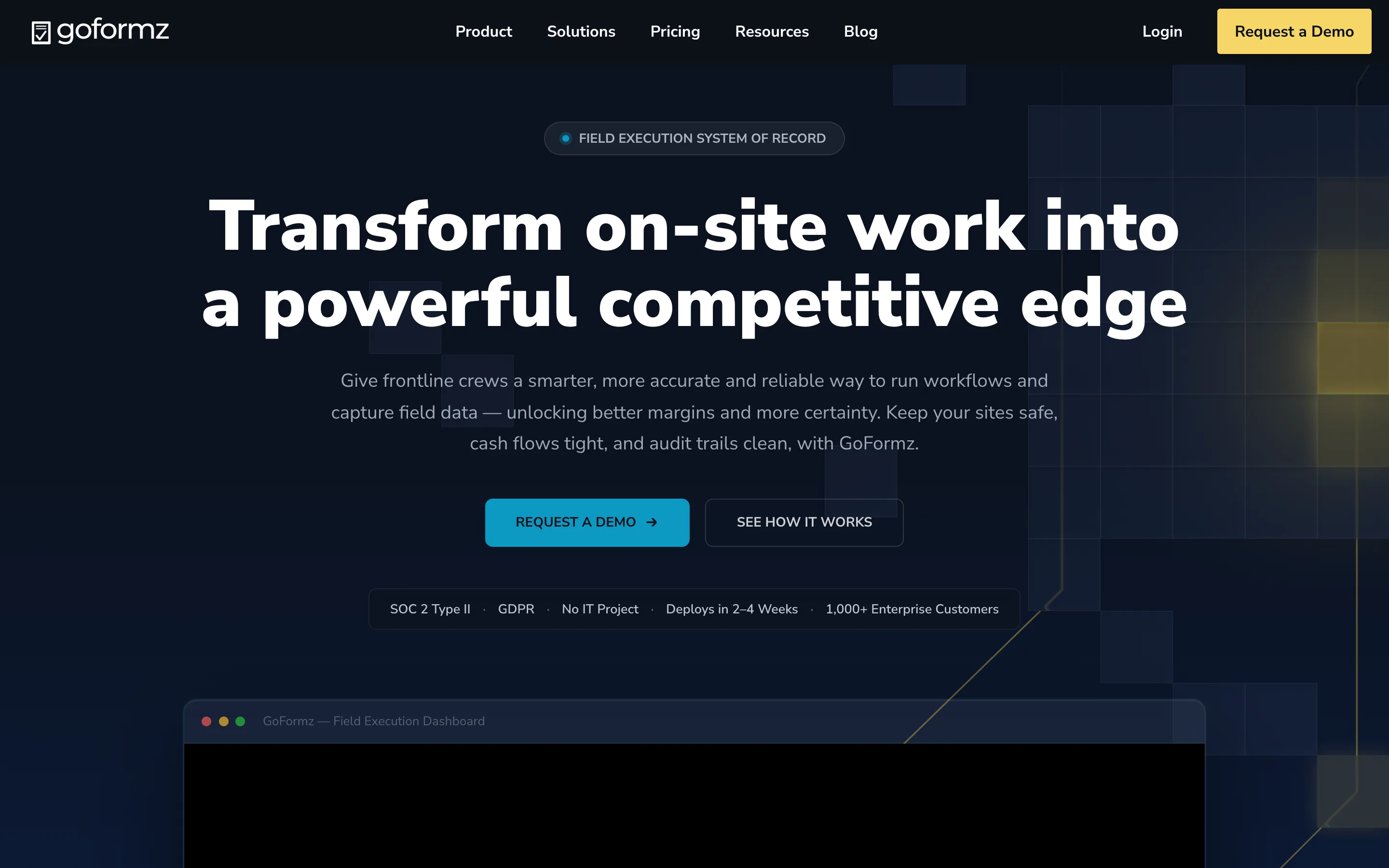
GoFormz digitizes existing forms while preserving the original layout, so a digital form looks exactly like the paper version teams already know. That makes it a favorite in construction and field services that must keep industry-standard document formats.
Pros: Form-over-PDF fidelity; auto-fill and calculations; capable API.
Cons: Advanced automation lives in higher tiers; less suited to complex multi-step app logic.
Pricing: From $24/user/mo (Team, billed annually).
Bottom line: Ideal when the output must match a specific paper document — see also our GoFormz alternatives comparison.
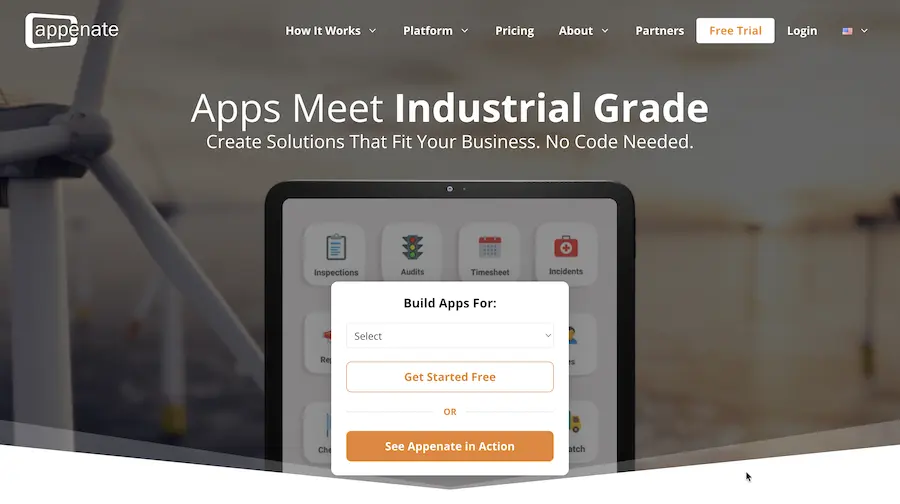
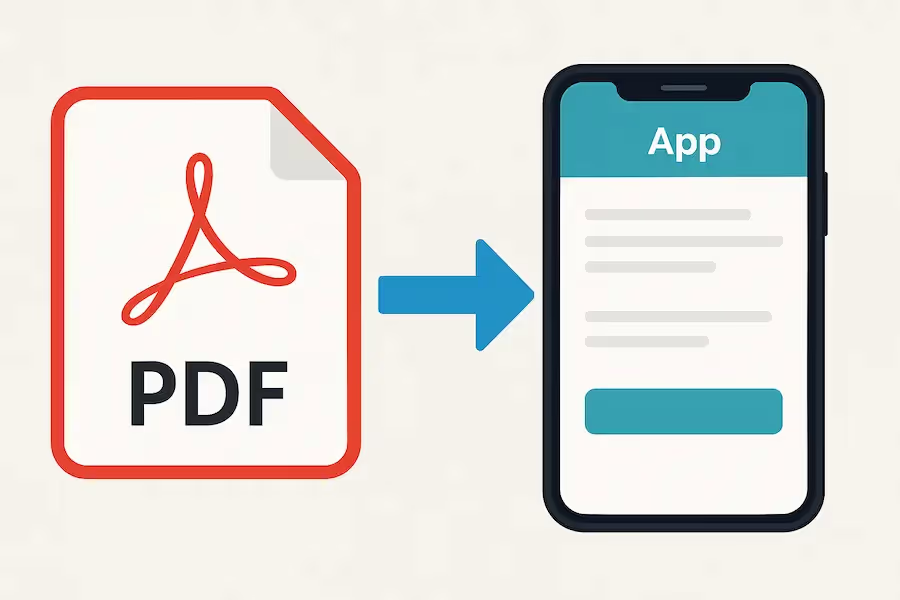
Appenate acquired Forms On Fire in January 2026, bringing the two platforms together under the Appenate brand. Appenate covers form building, field data collection, dispatch, and integrations, with an AI form builder that can generate forms from a voice description or an uploaded PDF. It supports photo, audio, video, GPS, barcode, NFC, and signature capture.
Pros: Strong AI form generation; broad field types; white-label option; free support with no queue.
Cons: Standard plan caps monthly entries; workflow/dispatch need the Premium tier; enterprise features require 25+ users.
Pricing: $20/user/mo (Standard), $28/user/mo (Premium), custom Enterprise (25+).
Bottom line: Great if you want to convert paper forms fast with minimal building effort.
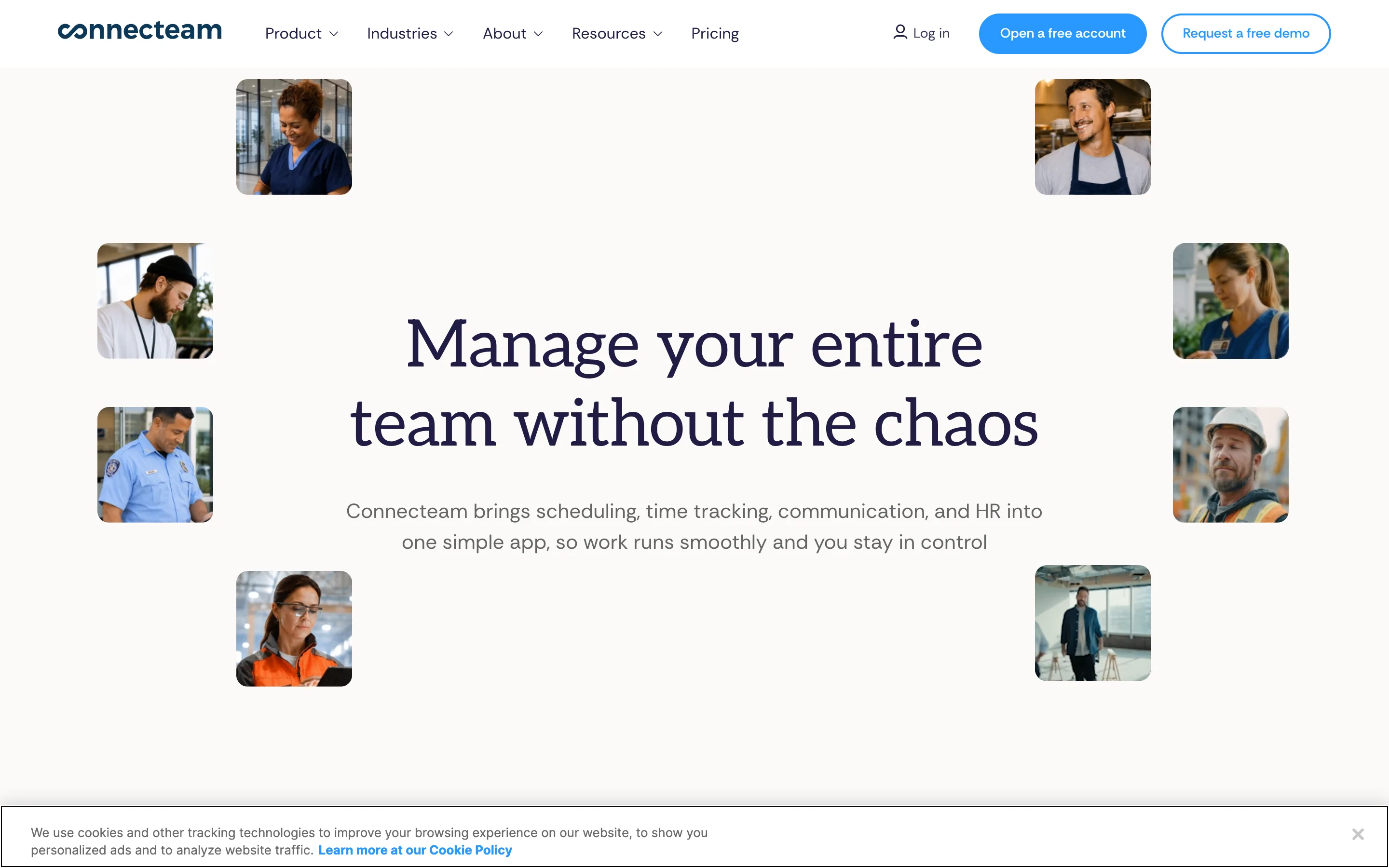
Connecteam is a frontline workforce platform that bundles time tracking, scheduling, chat, and digital forms. If forms are just one part of managing a deskless team, it can replace several apps at once.
Pros: Broad all-in-one platform; flat pricing for the first 30 users; fast 24/7 live support; free tier under 10 users.
Cons: Forms are basic and conditional logic is gated to a higher plan; offline capability is limited; reporting isn't deep.
Pricing: Free (under 10 users), then $29/mo Basic, $49/mo Advanced, $99/mo Expert.
Bottom line: Best when scheduling and team comms matter as much as the forms themselves.
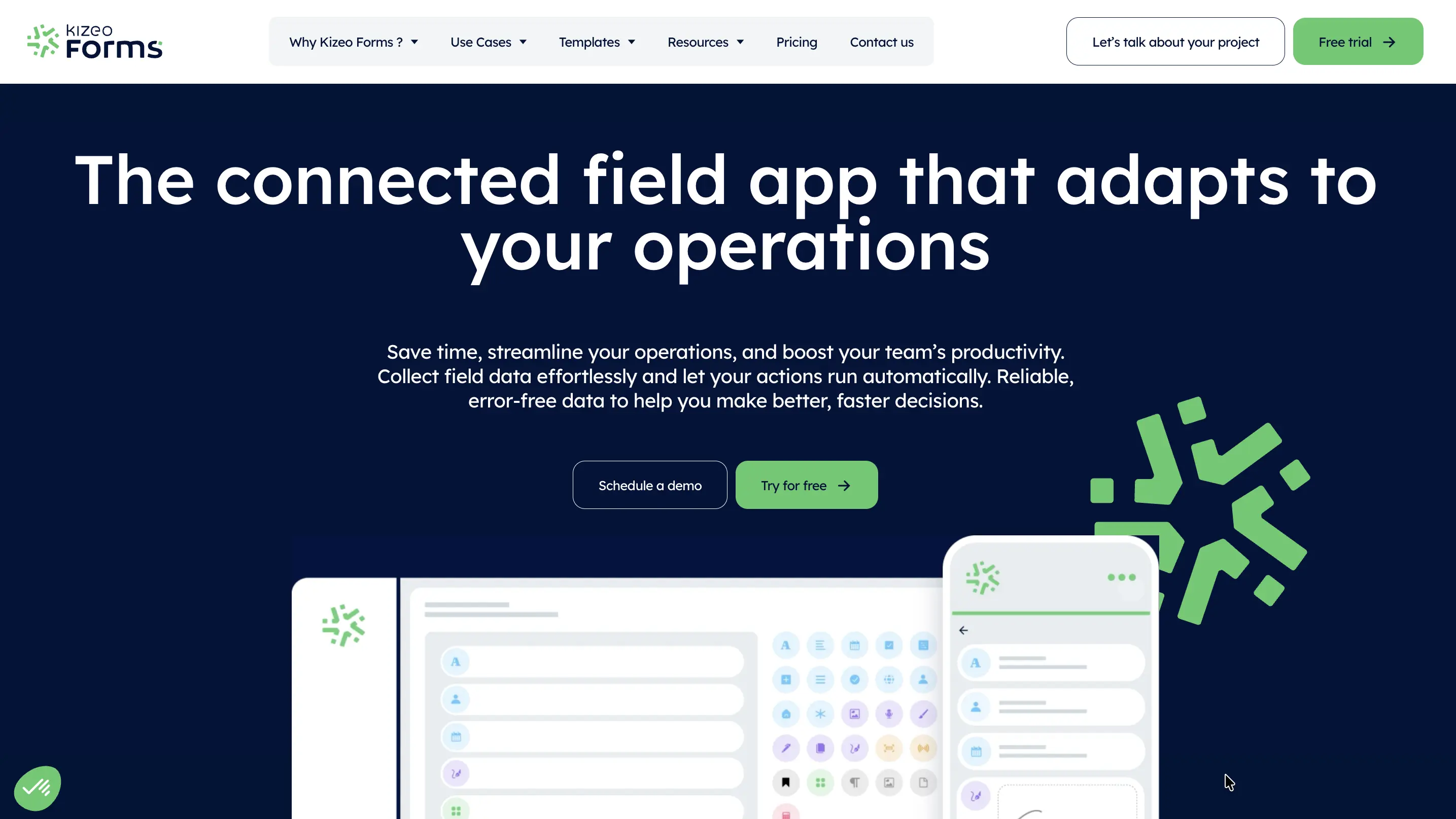
Kizeo Forms is a straightforward, affordable mobile-forms tool with customizable forms, offline use, and GPS capture. It covers the essentials of field data collection without the enterprise price tag.
Pros: Low cost; reliable offline capture; quick to deploy for simple forms.
Cons: Fewer workflow and dashboard features; less suited to complex apps or deep reporting.
Pricing: Low per-user monthly pricing.
Bottom line: A sensible pick for small teams that need dependable offline data capture on a budget.
Whatever you pick, confirm three things before you commit: that offline truly syncs your photos, that corrective actions and approvals are built in (not an upsell), and that contractor access won't inflate the bill. For adjacent workflows, see our guides to construction daily reports and checklist apps for site inspections.
Every tool here beats FastField on at least one dimension, but Clappia is the most complete replacement: it fixes the offline, workflow, reporting, and cost gaps in a single no-code platform, and it grows with you because you own the app. Teams that only need better forms will do well with Fluix or Forms On Fire; teams that want to stop juggling tools should start with Clappia.
 Get Started – It’s Free
FastField is a solid mobile-forms app, but teams switch for reliable offline sync, built-in workflows and better reports. The 8 best alternatives - led by Clappia - span no-code app building, inspections, GIS and budget forms, so you can match the tool to your field process and budget.
L374, 1st Floor, 5th Main Rd, Sector 6, HSR Layout, Bengaluru, Karnataka 560102, India
3500 S DuPont Hwy, Dover,
Kent 19901, Delaware, USA


.svg)




3500 S DuPont Hwy, Dover,
Kent 19901, Delaware, USA
L374, 1st Floor, 5th Main Rd, Sector 6, HSR Layout, Bengaluru, Karnataka 560102, India
%20(1).png)