

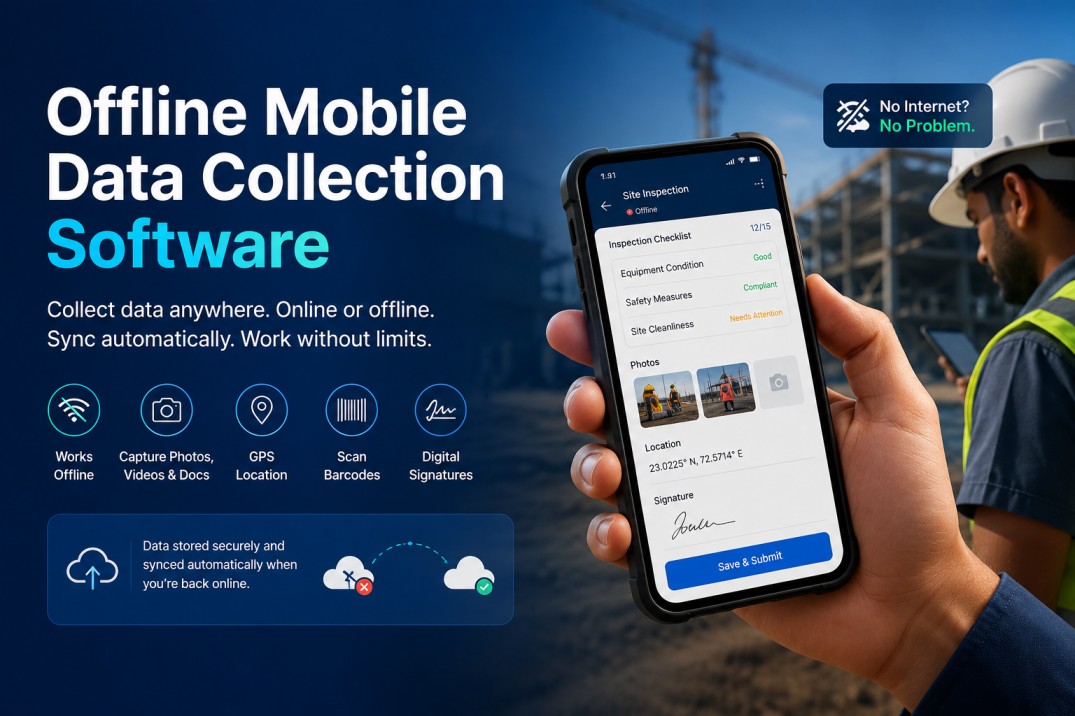
Mobile data collection software enables businesses to collect, organize, and manage information using smartphones and tablets. Instead of recording data on paper or waiting to return to a computer, employees can capture information directly from the field. It is widely used for inspections, audits, field surveys, asset tracking, maintenance, inventory management, quality checks, healthcare, construction, logistics, utilities, and many other business operations.
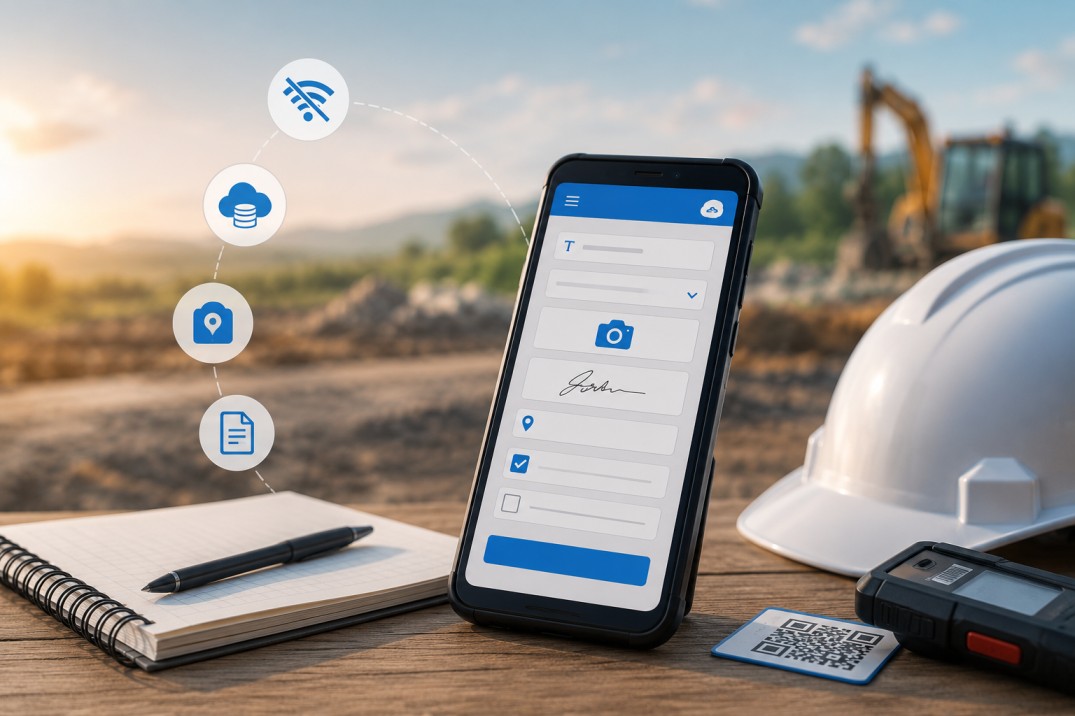
Unlike basic mobile forms, modern mobile data collection software can capture different types of information in a single app. A field employee might complete a checklist, take photographs, scan a barcode, record GPS coordinates, attach documents, collect a signature, and submit the entire record from the same screen. The information is stored digitally, making it easier to track, review, report, and share across teams.
An important capability of modern mobile data collection software is offline data collection. Employees often work in factories, warehouses, construction sites, customer locations, rural areas, and other places where internet connectivity is unreliable. Instead of stopping work, they can continue collecting information normally, with the app synchronizing the data automatically once an internet connection becomes available.
Businesses no longer need to purchase software that only partially fits their processes. With platforms like Clappia, it's possible to build a custom mobile data collection app without writing code, giving organizations complete control over the information they collect, how it's validated, and what happens after it's submitted.
Mobile data collection software is software that allows organizations to capture business data using mobile devices instead of paper forms or desktop-based systems. It replaces manual data collection with digital forms that can include validations, calculations, conditional logic, media capture, and automated reporting.
The software is designed for situations where employees are away from their desks. A quality inspector can complete inspection checklists on the production floor. A maintenance technician can record equipment details during a service visit. A warehouse operator can update stock quantities while walking through storage aisles. A healthcare worker can collect patient information during community visits. In every case, information is captured where the work happens instead of being entered later.
Today's mobile data collection software is used for much more than simple surveys. Businesses use it to create inspection apps, audit apps, maintenance apps, inventory apps, asset management apps, field service apps, incident reporting apps, and many other operational applications tailored to their own processes.
Businesses use mobile data collection software to collect accurate information faster, reduce manual work, and give field teams a simpler way to record data. Whether the task involves inspecting equipment, verifying assets, recording deliveries, conducting surveys, or completing compliance checks, information is captured once and becomes immediately available to everyone who needs it.
The biggest advantage is flexibility. Every organization collects different kinds of information, and a one-size-fits-all form rarely works. A manufacturing company may need operators to record machine readings and attach photographs of defects. A logistics company may want drivers to scan packages, capture proof of delivery, and collect customer signatures. A healthcare organization may require patient details along with supporting documents, while a utility company may need engineers to record meter readings and GPS locations during site visits.
Because the data is collected digitally, businesses no longer need to combine paper forms, spreadsheets, emails, and messaging apps to complete a single process. Everything is captured in one place, making it easier to review submissions, monitor progress, and generate reports.
Yes. Mobile data collection software is widely used for offline data collection, allowing employees to continue working even when there is little or no internet connectivity. Responses are stored securely on the device and synchronized automatically when the device reconnects to the internet.
Offline capability is essential for organizations whose employees work outside the office. Construction sites, manufacturing plants, warehouses, mines, farms, rural locations, utility installations, and customer premises often have unreliable network coverage. Without offline support, employees either have to postpone data collection or switch back to paper forms.
Clappia is widely used by businesses that require offline mobile data collection. Teams can continue capturing information exactly as they would online, without changing their process or worrying about connectivity. Once internet access is available again, submissions are synchronized automatically, ensuring that office teams always receive the latest information without requiring employees to re-enter anything manually.
Every organization collects different information, so the ideal mobile data collection app should adapt to the business—not the other way around.
With Clappia, businesses can create custom mobile data collection apps without software development. Instead of starting with fixed forms or predefined workflows, you decide what information should be collected, who can access it, how it should be validated, and what should happen after a submission is made.
For example, a quality inspection app might require inspectors to answer checklists, upload photographs, record measurements, and raise corrective actions if defects are found. An asset verification app may require barcode scanning, GPS verification, equipment photographs, and digital signatures. A field survey app could capture responses, attach supporting files, and automatically generate a PDF report after submission. Each app is designed around the process it supports rather than being limited by generic survey software.
Because these applications are built specifically for your business, they remain easy for employees to use while giving managers access to standardized, structured data.
Mobile data collection often involves much more than entering text into a form. Field employees need to collect different types of information depending on the job they're performing, and switching between multiple applications only slows the process.
Clappia allows businesses to capture all of this within a single mobile application. Employees can take photographs to document inspections, upload videos or supporting documents, record voice notes, capture GPS coordinates, scan barcodes and QR codes, collect digital signatures, and attach files as part of the same submission. Combined with dropdowns, calculations, conditional logic, repeatable sections, and mandatory fields, each form can be tailored to the exact information your business requires.
This flexibility allows the same platform to support everything from equipment inspections and inventory verification to customer onboarding, field surveys, maintenance reporting, compliance audits, and site assessments without requiring separate applications for each process.
Collecting data is only one part of the process. Once information has been captured, most businesses need it to flow into the systems they already use for reporting, analysis, or day-to-day operations.
Clappia makes it easy to connect your mobile data collection software with Google Sheets, Excel, databases, APIs, and other business applications. Whether you want to maintain a live spreadsheet, share information with another platform, or integrate with your existing ERP or CRM, collected data can move automatically instead of being copied manually.
You can also automate what happens after a submission is received. Depending on your process, the app can notify managers, generate reports, send emails, trigger approvals, or update connected systems, ensuring that field data becomes part of the larger business workflow instead of remaining isolated within a form.
Because every organization collects different information, there isn't a single mobile data collection app that works for everyone. Clappia allows businesses to build applications around their own processes, whether they're used by five employees or thousands of field workers.
Inspection apps help businesses replace paper checklists with digital inspections. Inspectors can record observations, capture photographs, assign severity levels, and document corrective actions while conducting equipment, vehicle, building, or site inspections.
Audit teams can use mobile devices to complete compliance, safety, operational, or quality audits. Responses can include supporting photographs, comments, signatures, and documents, making it easier to maintain complete audit records.
Organizations conducting customer surveys, community surveys, research projects, or field assessments can collect responses directly from mobile devices. Offline support allows surveys to continue even in locations without reliable internet connectivity.
Field employees can verify assets by scanning barcodes or QR codes, recording GPS locations, attaching photographs, and updating asset information during inspections or maintenance visits.
Warehouse teams can perform stock counts, receive inventory, record stock movements, and verify items directly from mobile devices, reducing delays caused by manual data entry.
Technicians can receive work orders, record service details, capture before-and-after photographs, collect customer signatures, and submit completed job reports from the field.
Manufacturers and quality teams can record production inspections, quality checks, non-conformities, and corrective actions while maintaining complete documentation for compliance and reporting.
Choosing mobile data collection software isn't just about replacing paper forms. It is about creating a system that fits the way your business operates today and can continue adapting as your requirements change.
Clappia gives businesses the flexibility to design their own mobile applications instead of relying on fixed templates. Forms can be customized for different teams, departments, or processes, ensuring employees collect only the information relevant to their work. As requirements evolve, apps can be updated without rebuilding them from scratch.
The platform is also widely used for offline mobile data collection, allowing organizations to continue operating in locations where internet access cannot be guaranteed. Combined with support for photographs, documents, GPS locations, barcode and QR code scanning, signatures, calculations, approvals, reporting, and integrations, businesses can manage complete field data collection processes from a single application.
Whether you're digitizing inspections, audits, surveys, maintenance, inventory, healthcare, logistics, construction, manufacturing, or field service operations, Clappia provides the flexibility to build applications that match your process rather than forcing your process to fit the software.
Mobile data collection software enables businesses to collect information using smartphones and tablets instead of paper forms or desktop applications. It is commonly used for inspections, audits, field surveys, inventory management, maintenance, healthcare, construction, logistics, and other field operations.
Yes. Many businesses rely on mobile data collection software for offline data collection. Information is stored on the device while employees work and automatically synchronizes when an internet connection becomes available.
Modern mobile data collection software can capture text, numbers, photographs, videos, audio recordings, GPS locations, barcodes, QR codes, digital signatures, documents, dates, timestamps, and calculated values within a single application.
Yes. Platforms like Clappia allow businesses to build custom mobile data collection apps without writing code. You can create forms, customize fields, define validations, and publish applications for Android, iPhone, tablets, and the web.
Yes. Clappia can connect with Google Sheets, Excel, APIs, databases, and other business applications, allowing collected data to flow into your existing systems automatically.
Whether you're replacing paper forms, digitizing inspections, collecting field survey data, managing inventory, or building a complete field operations solution, Clappia provides everything you need to create custom mobile data collection software that works the way your business does.
Build applications for Android, iPhone, tablets, and the web, collect information even in areas with limited connectivity, and bring together forms, field data, reports, and integrations in a single platform.
L374, 1st Floor, 5th Main Rd, Sector 6, HSR Layout, Bengaluru, Karnataka 560102, India
3500 S DuPont Hwy, Dover,
Kent 19901, Delaware, USA


.svg)




3500 S DuPont Hwy, Dover,
Kent 19901, Delaware, USA
L374, 1st Floor, 5th Main Rd, Sector 6, HSR Layout, Bengaluru, Karnataka 560102, India





.avif)