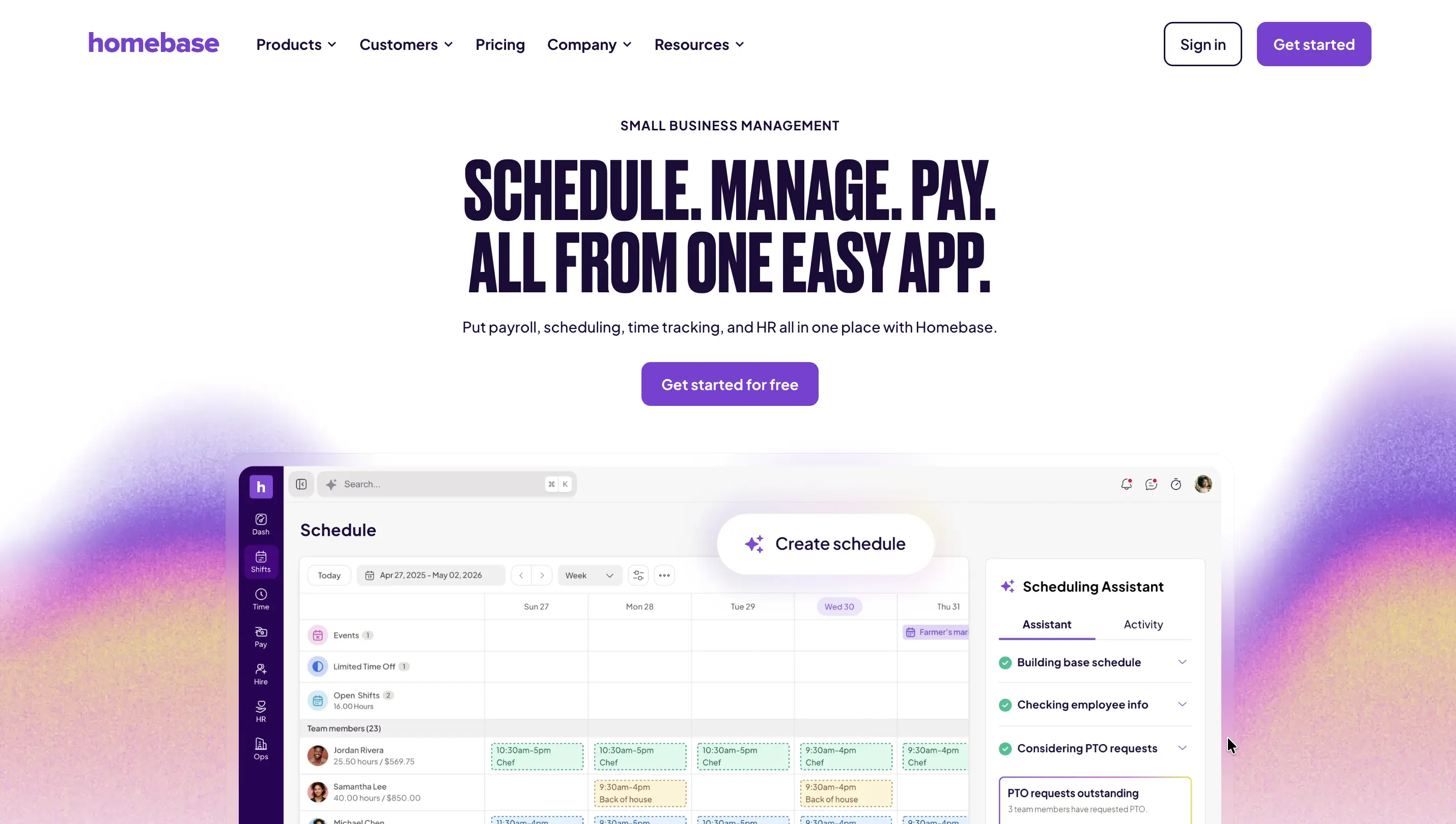
Homebase has become one of the most popular employee scheduling and time-tracking platforms for small businesses. Its scheduling tools, time clocks, payroll integrations, and team messaging features make it a popular choice for restaurants, retail stores, and service businesses.
However, many growing businesses eventually run into limitations.
Common reasons teams look for Homebase alternatives include:
If your business needs more than employee scheduling and time tracking, you may be better served by a more flexible workforce management platform.
In this guide, we'll compare the best Homebase alternatives in 2026, including pricing, strengths, limitations, and the ideal use cases for each platform.
Homebase is primarily designed around employee scheduling, time tracking, payroll support, and team communication.
As organizations grow, workforce management often becomes connected with broader operational processes such as:
At that stage, many companies discover they need a platform that can manage both workforce operations and business workflows.
Best for: Organizations that need employee scheduling, attendance tracking, field workforce management, inspections, approvals, and operational workflows in one no-code platform.
G2 Rating: 4.7/5
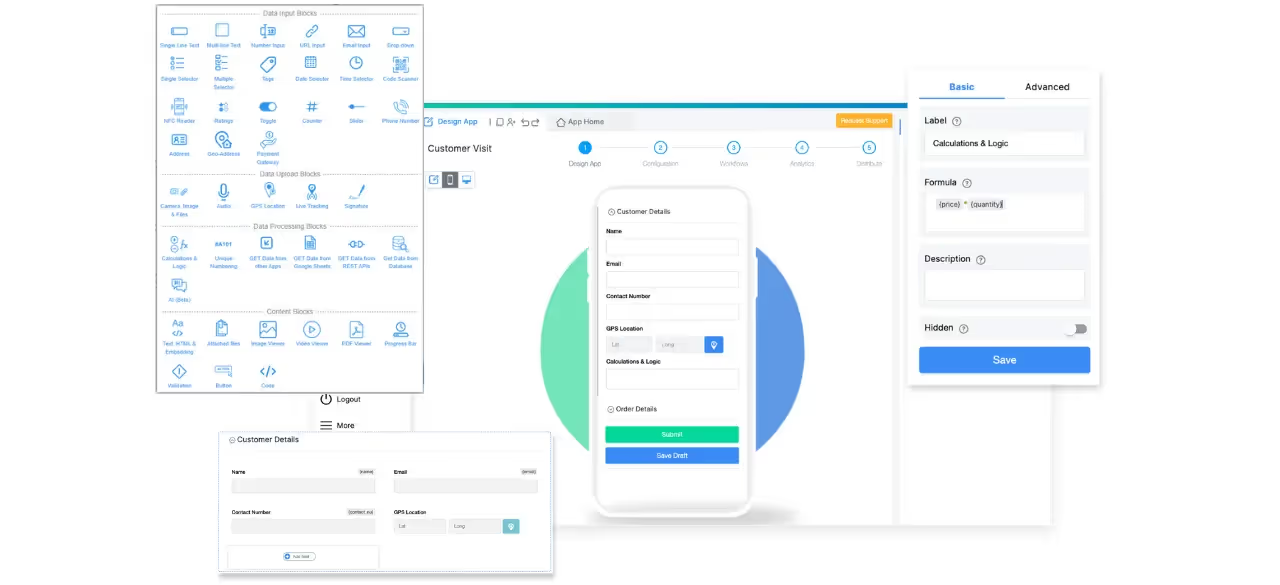
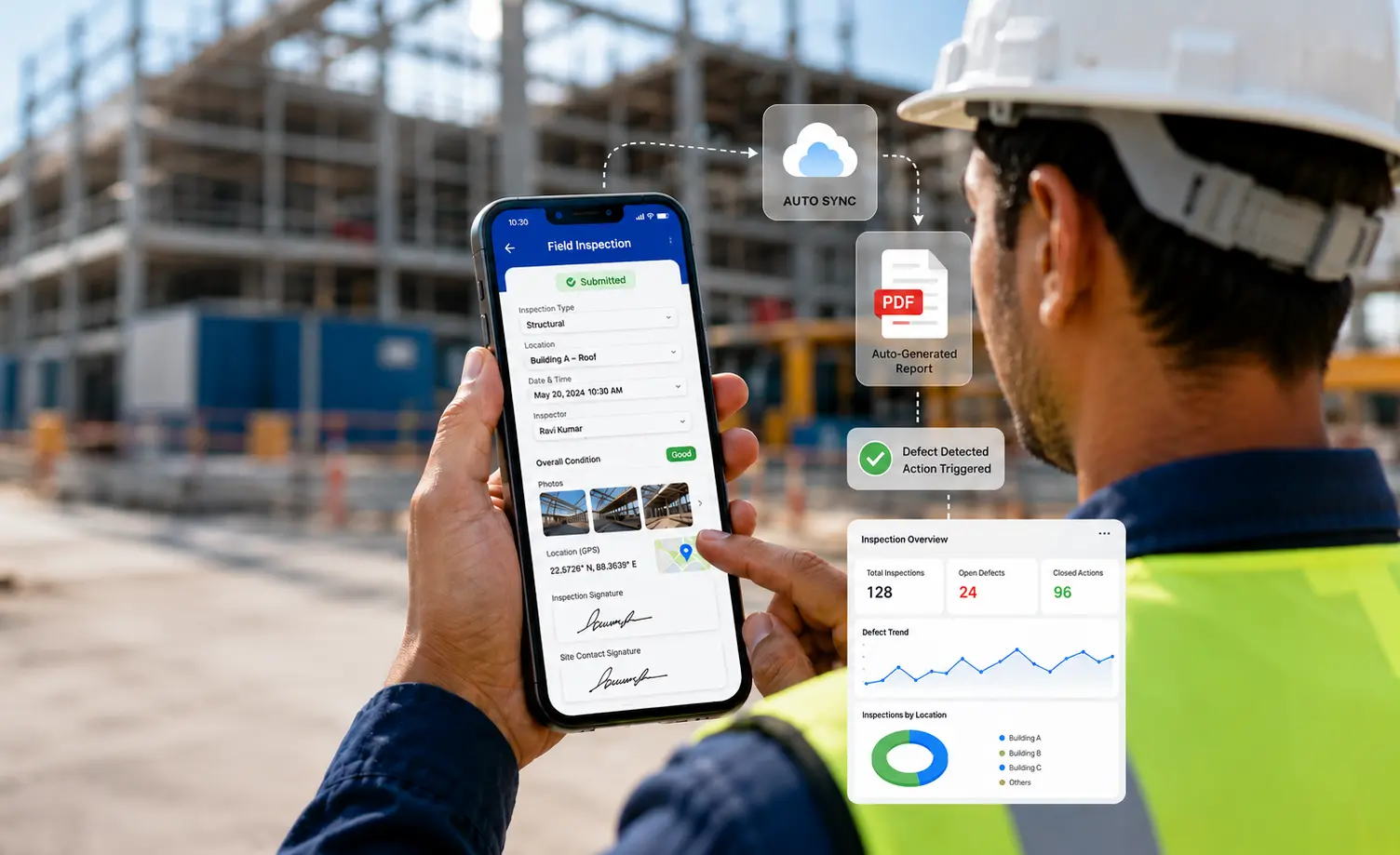
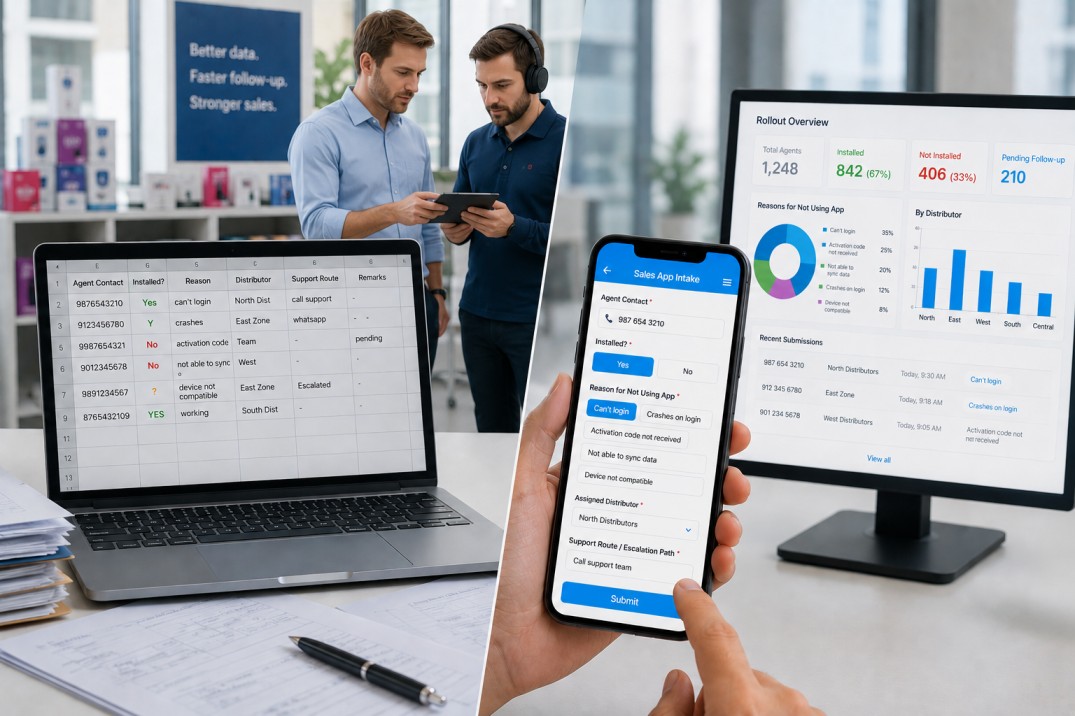
Unlike Homebase, which focuses primarily on workforce scheduling and time tracking, Clappia enables businesses to build complete workforce management and operational applications without coding.
Organizations can build:
What makes Clappia different is that workforce management becomes part of a larger operational ecosystem.
For example, when an employee checks in at a site, Clappia can automatically:
Clappia provides over 100 pre-built components including GPS tracking, QR code scanning, live location tracking, digital signatures, offline forms, AI-powered automation, workflow management, analytics dashboards, and approval workflows.
Starts at $5/user/month. Free plan available.
Choose Clappia if workforce scheduling is only one part of your operational process.
For example:
Instead of buying multiple tools, businesses can manage all these workflows on a single platform.
Best for: Deskless teams and mobile workforce management.
G2 Rating: 4.6/5
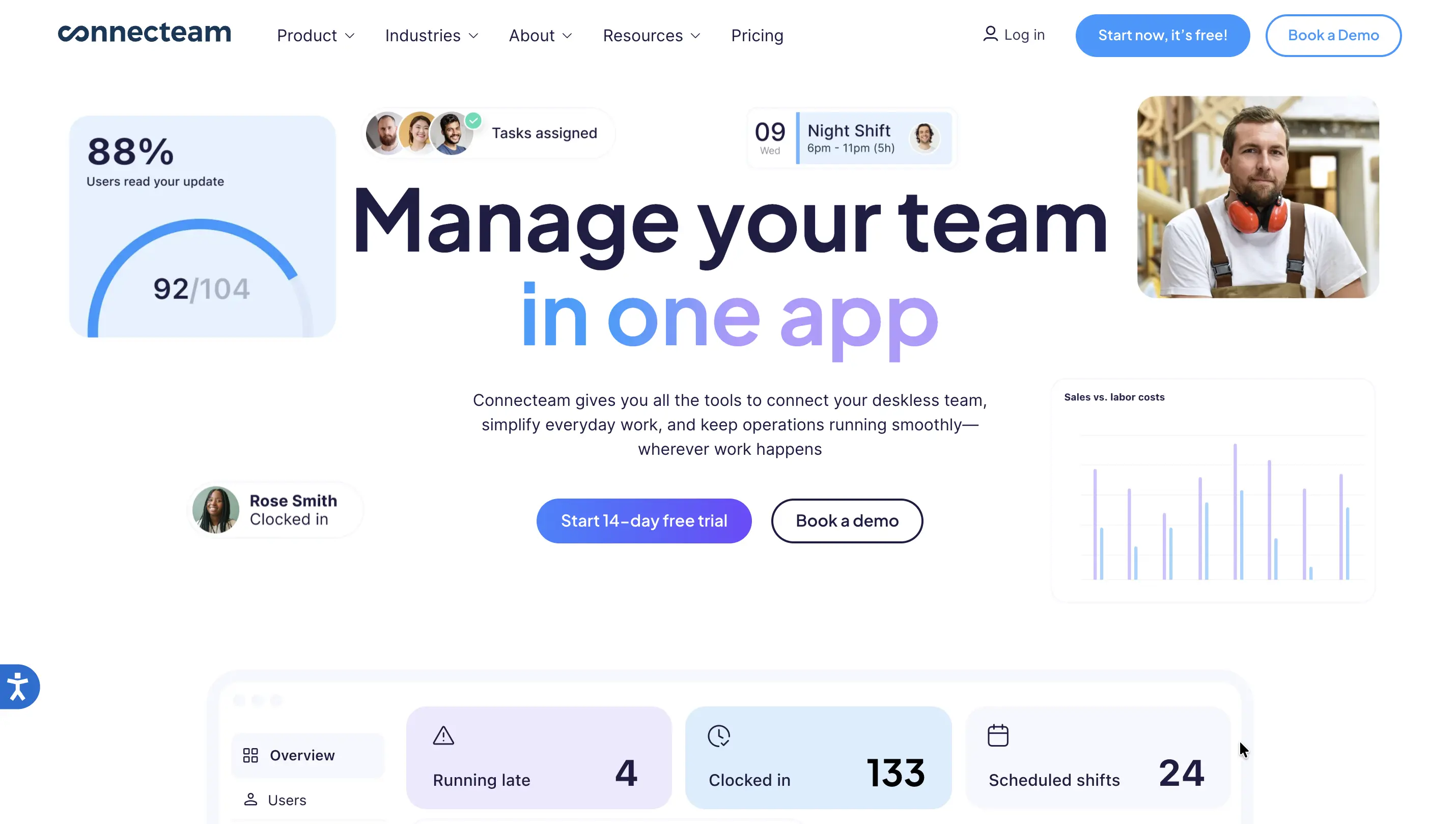
Connecteam is one of the most popular Homebase alternatives for organizations managing non-desk employees.
Its strengths include:
Free plan available. Paid plans vary by module.
Choose Connecteam if your primary focus is workforce communication and scheduling.
Choose Clappia if you need scheduling plus operational workflows, inspections, approvals, or compliance processes.
Best for: Businesses focused on labor compliance and workforce scheduling.
G2 Rating: 4.6/5
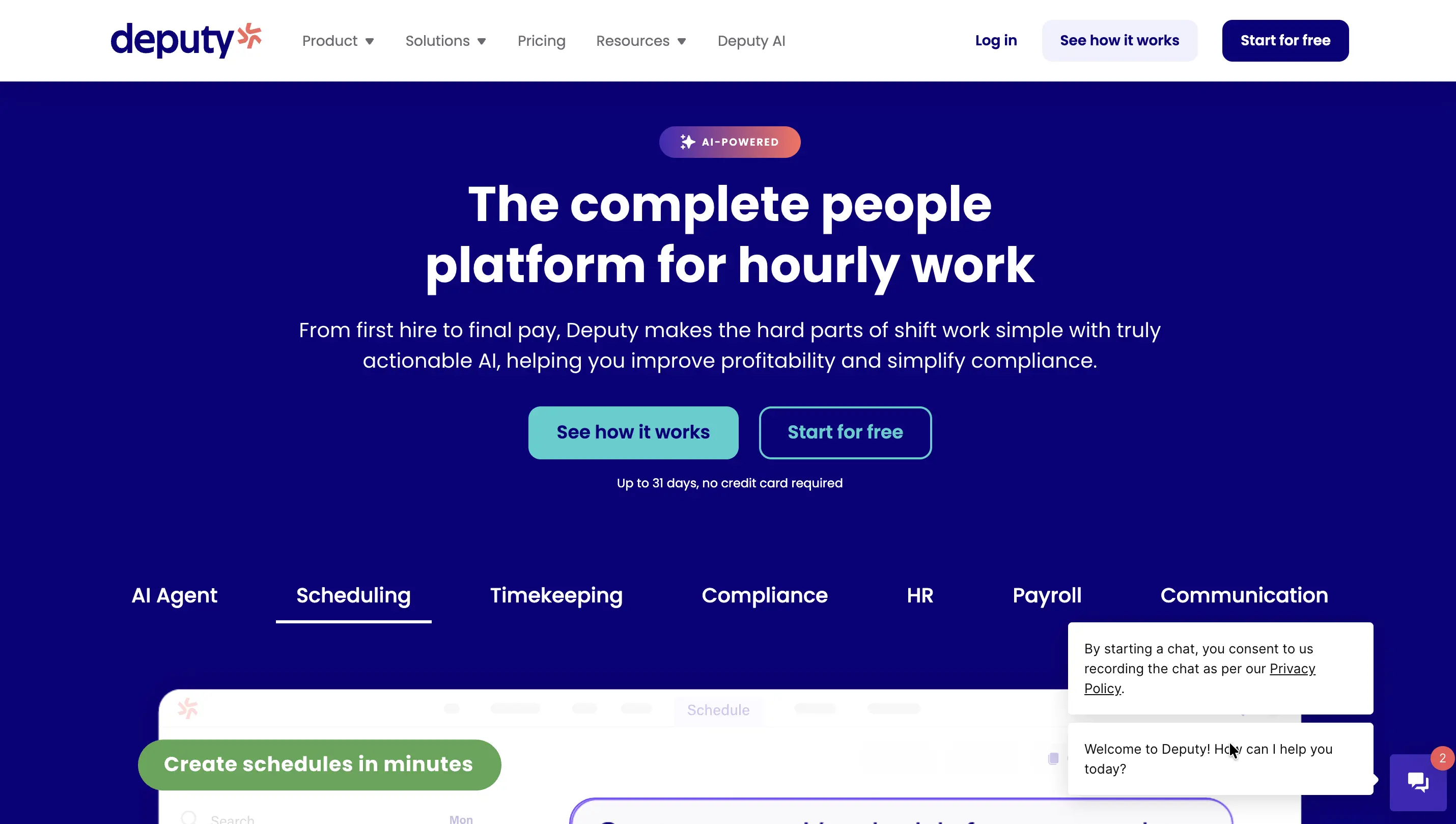
Deputy is widely recognized for scheduling automation and labor compliance management.
Starts around $5/user/month.
Deputy is a strong choice for compliance-heavy scheduling environments.
If your workforce processes involve inspections, field operations, or custom workflows, Clappia provides significantly greater flexibility.
Best for: Shift scheduling and employee self-service scheduling.
G2 Rating: 4.4/5
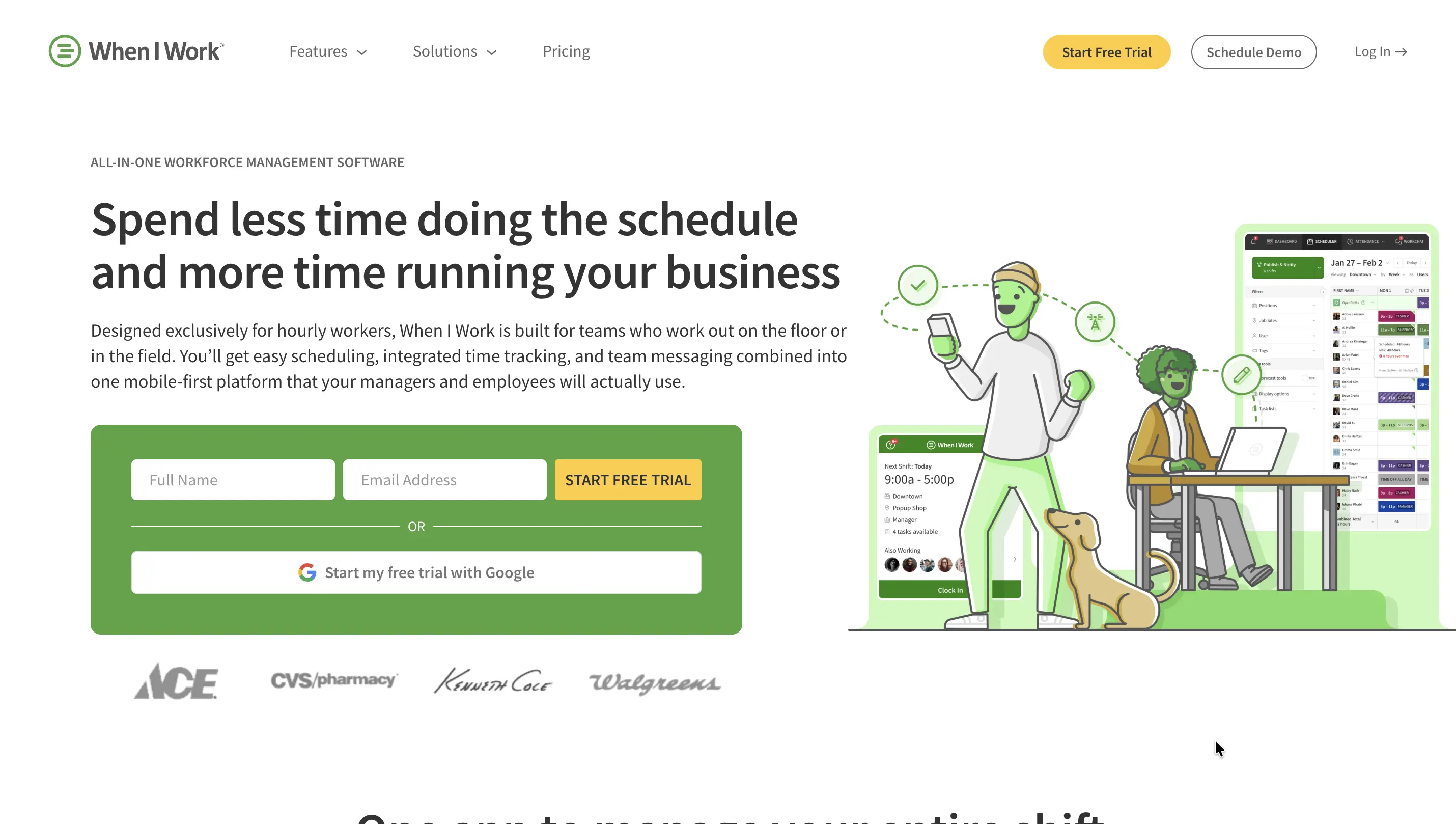
When I Work focuses heavily on shift scheduling and workforce coordination.
Custom pricing available.
Choose When I Work if scheduling is your primary concern.
Choose Clappia if scheduling must connect with approvals, attendance verification, inspections, or operational workflows.
Best for: Restaurants and hospitality businesses.
G2 Rating: 4.5/5
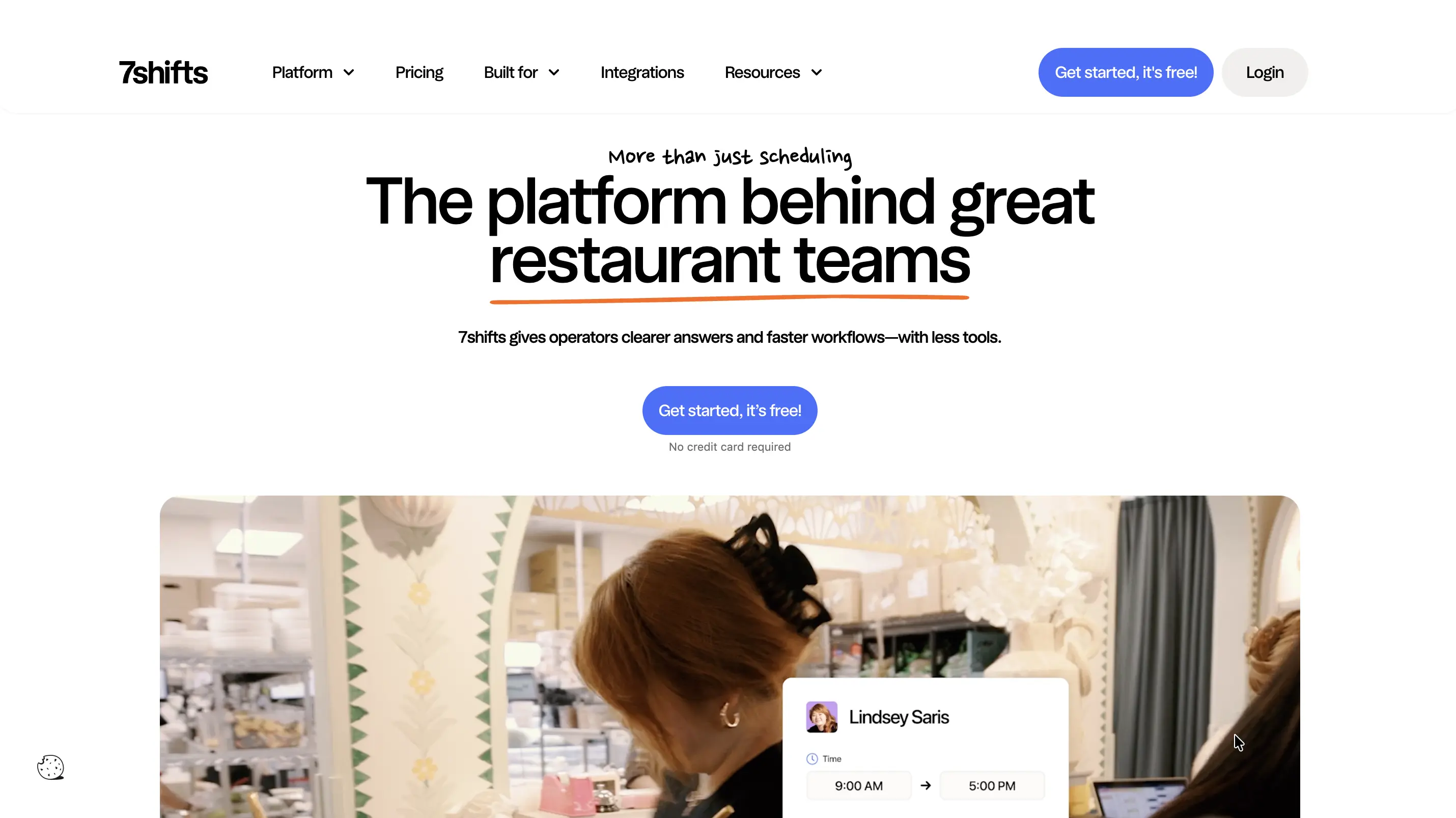
7shifts is purpose-built for restaurant workforce management.
Free plan available. Paid plans start at location-based pricing.
Choose 7shifts if you're operating restaurants and need industry-specific scheduling.
Choose Clappia if you need a platform adaptable to multiple business processes.
Best for: Budget-conscious businesses.
G2 Rating: 4.4/5
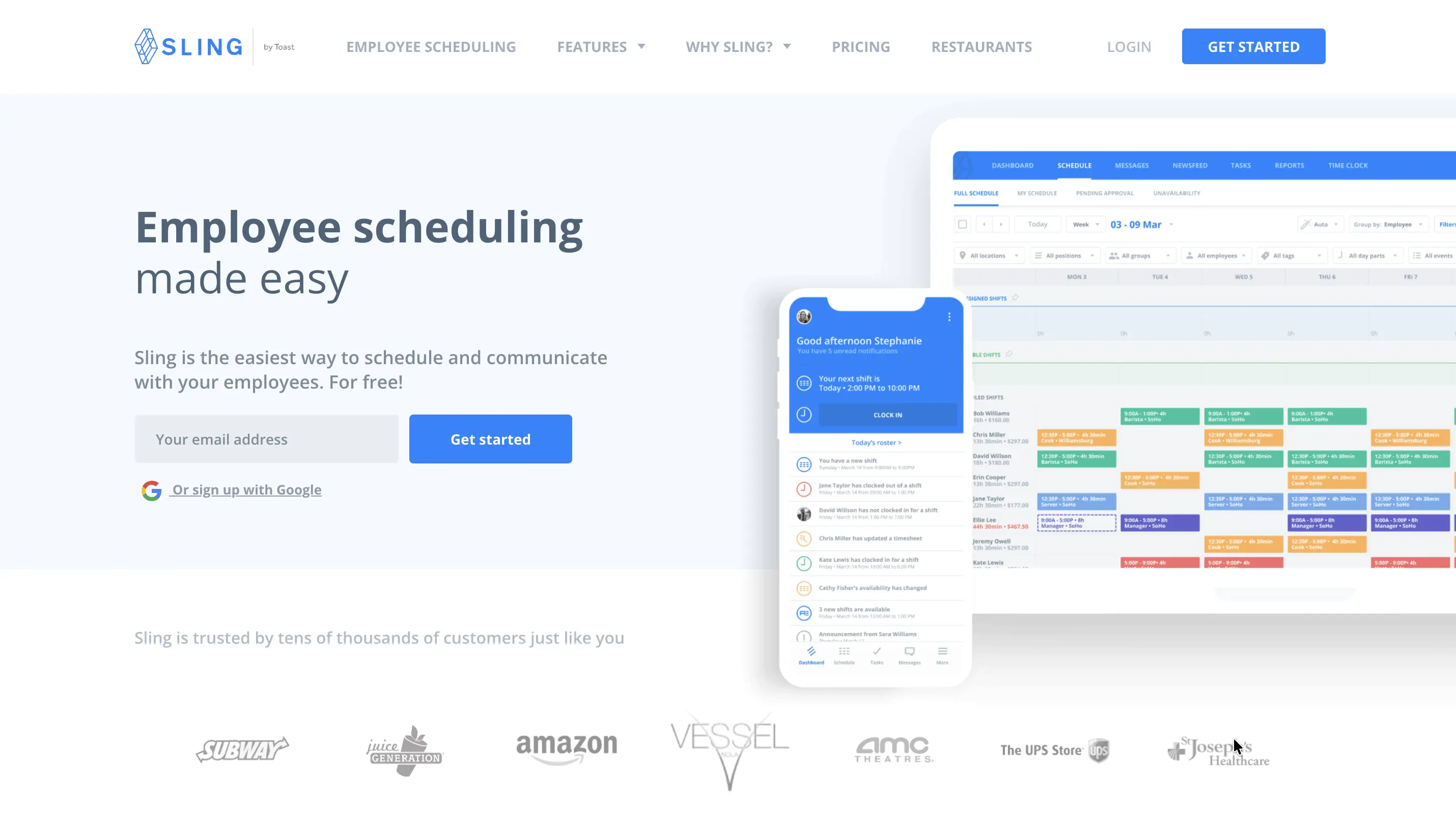
Sling combines scheduling, communication, and task management in a simple platform.
Free plan available.
Choose Sling if you need affordable scheduling.
Choose Clappia if your workforce processes extend beyond schedules and timesheets.
Best for: Labor forecasting and workforce planning.
G2 Rating: 4.5/5
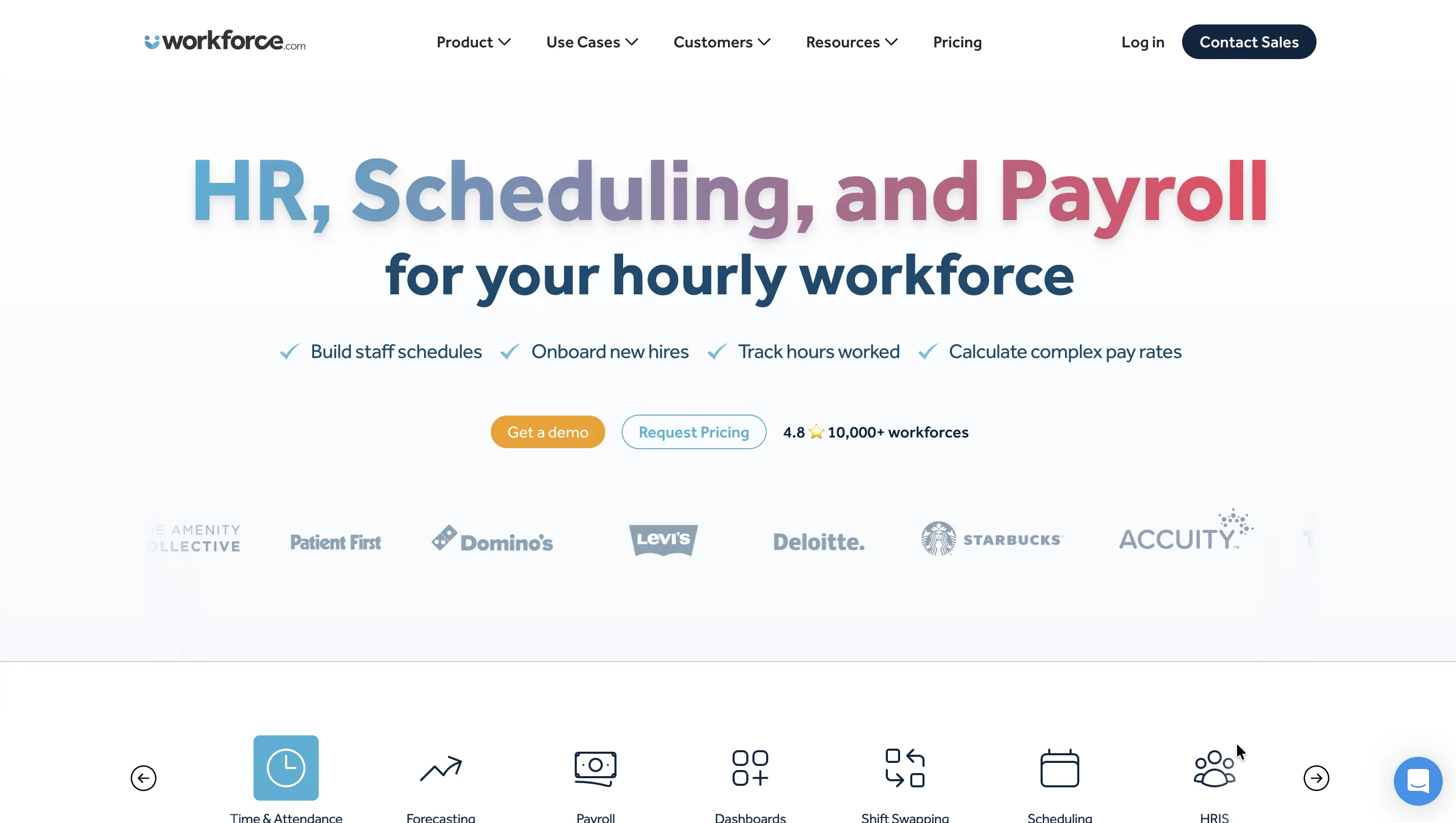
Workforce.com focuses on forecasting labor needs and workforce optimization.
Starts around $5/user/month.
Choose Workforce.com for workforce forecasting.
Choose Clappia if workforce planning needs to integrate with broader business operations.
Best for: Time tracking and productivity monitoring.
G2 Rating: 4.4/5
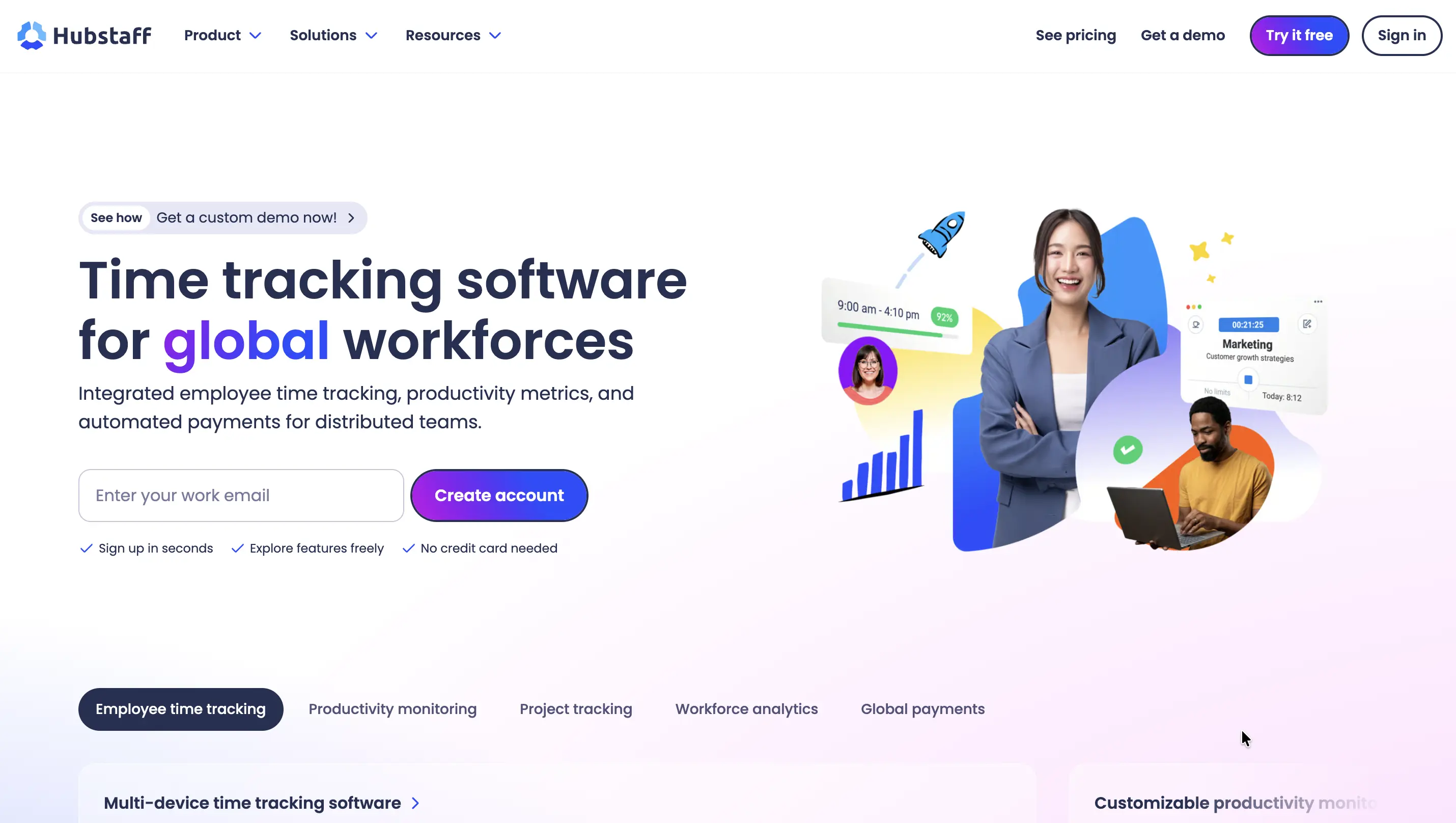
Hubstaff is known for employee monitoring and productivity tracking.
Starts at $4.99/user/month.
Choose Hubstaff if your primary goal is employee productivity tracking.
Choose Clappia if you need workforce management combined with approvals, inspections, attendance, and operational workflows.
The biggest difference is scope.
Homebase focuses on employee scheduling and workforce management.
Clappia focuses on workforce operations and business process automation.
For businesses that only need scheduling and timesheets, Homebase remains a strong option.
For organizations looking to digitize workforce operations end-to-end, Clappia offers substantially more flexibility.
Choose:
But if you need a platform that combines:
Then Clappia stands out as one of the most flexible Homebase alternatives in 2026.
Rather than adapting your processes to software limitations, Clappia enables you to build workforce and operational workflows that match how your business actually operates.
 Get Started – It’s Free
L374, 1st Floor, 5th Main Rd, Sector 6, HSR Layout, Bengaluru, Karnataka 560102, India
3500 S DuPont Hwy, Dover,
Kent 19901, Delaware, USA


.svg)




3500 S DuPont Hwy, Dover,
Kent 19901, Delaware, USA
L374, 1st Floor, 5th Main Rd, Sector 6, HSR Layout, Bengaluru, Karnataka 560102, India