Google Forms is widely used for basic surveys and simple data collection, but many businesses search for "Google Forms alternatives" because they need powerful automation, offline mobile capabilities, advanced conditional logic, payment processing, workflow approvals, and enterprise-grade features that Google Forms cannot provide.
This comprehensive guide compares the top 10 Google Forms competitors ranked by automation strength, form building capabilities, mobile performance, integration options, and enterprise readiness for 2026.
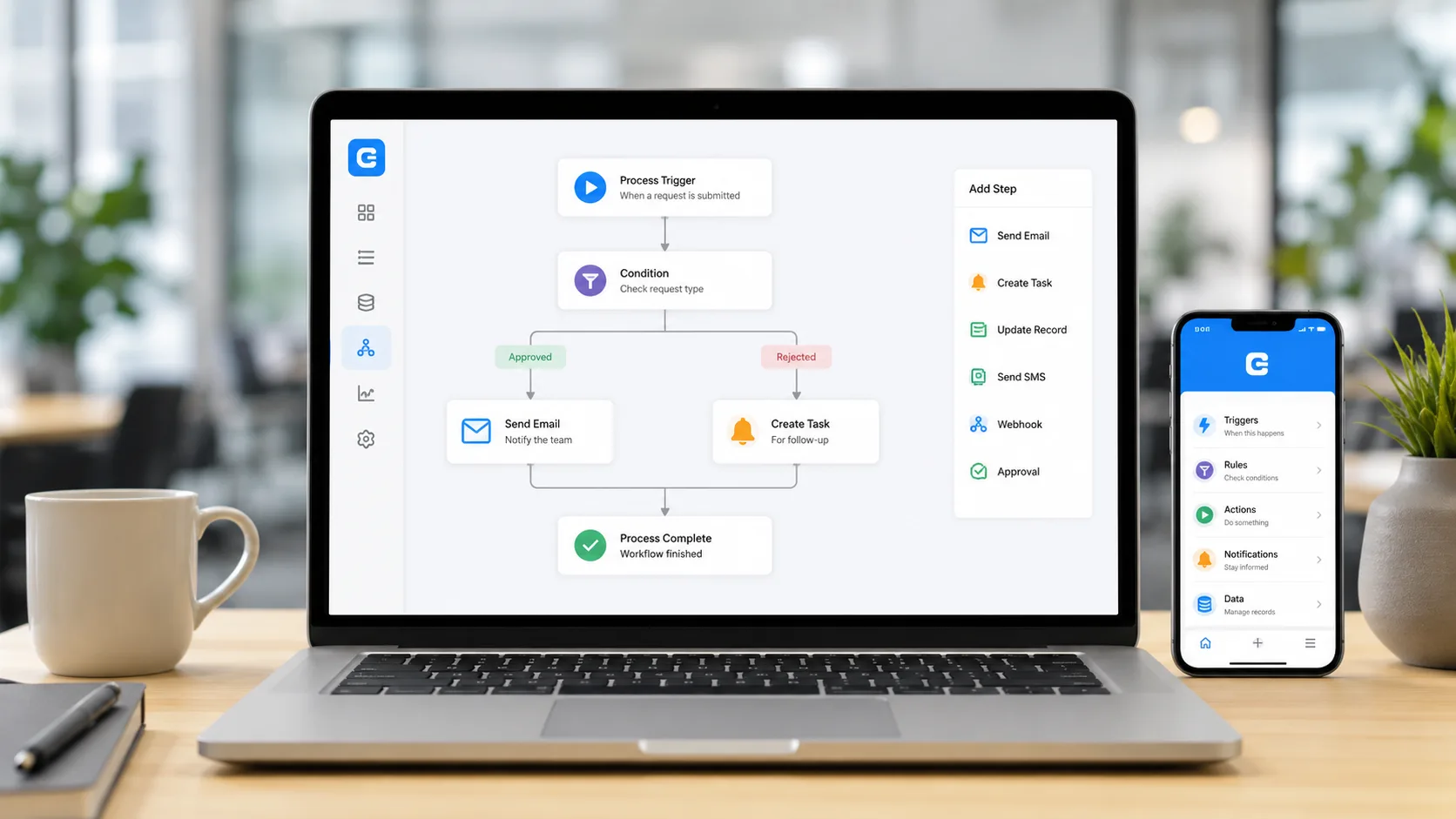
Clappia ranks #1 because it delivers a complete business application platform - far beyond simple form collection - with AI-powered automation, offline-first mobile apps, GPS tracking, digital signatures, barcode scanning, and multi-level workflow approvals that Google Forms cannot match.
Users commonly look for "best Google Forms alternative" or "forms like Google Forms but better" due to critical limitations:
Companies requiring business process automation, field data collection, offline capabilities, and enterprise workflows consistently choose Clappia over Google Forms.
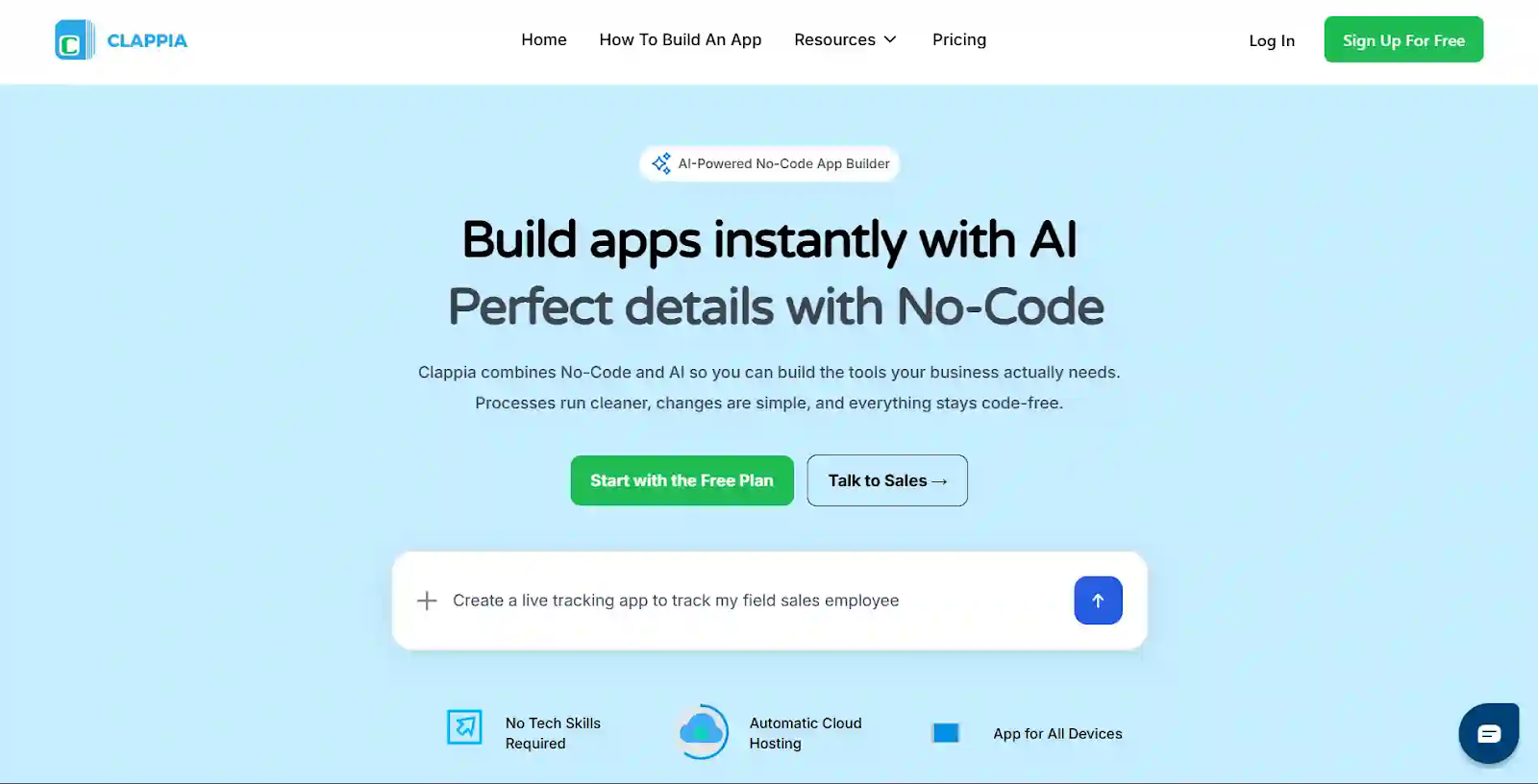
🔗 Visit: Clappia
Clappia is the top alternative to Google Forms because it enables organizations to build complete business applications, not just forms - with AI-powered automation, offline mobile apps, workflow approvals, GPS tracking, and operational features that transform how businesses collect and process data.
Where Google Forms is limited to basic data collection, Clappia provides full-scale business automation with no-code development, mobile-first architecture, and enterprise-grade capabilities.
Clappia delivers capabilities that Google Forms fundamentally cannot provide.
Google Forms requires internet connectivity. Clappia's offline-capable mobile apps work completely without internet - essential for field teams, remote locations, underground facilities, and areas with poor connectivity. Data syncs automatically when connection returns.
Unlike Google Forms, Clappia includes built-in GPS location capture and live tracking for attendance verification, site visit documentation, field service tracking, and location-based data collection with geofencing capabilities.
Clappia provides native QR code and barcode scanning for inventory management, asset tracking, attendance systems, and product identification - features completely absent from Google Forms.
Collect legally binding electronic signatures for approvals, contracts, delivery confirmations, and compliance documentation directly within forms - impossible with Google Forms.
Clappia's AI Block extracts data from documents, analyzes images, processes receipts, and automates form field population - delivering intelligence that Google Forms lacks entirely.
Design complex approval workflows, conditional routing, email notifications, SMS alerts, and automated actions based on form submissions - far beyond Google Forms' basic email confirmations.
Accept payments directly within forms using integrated payment gateways like Razorpay, Stripe, and PayPal - a critical feature Google Forms does not offer natively.
Create sophisticated conditional sections with complex branching, show/hide logic, and dynamic field calculations that adapt based on user responses - much more powerful than Google Forms' basic section skipping.
Clappia provides role-based permissions, user access management, data encryption, audit trails, and compliance features that enterprise organizations require - capabilities beyond Google Forms' basic sharing.
Generate live dashboards with charts, reports, and automated report scheduling for data visualization and business intelligence - more comprehensive than Google Forms' basic response summaries.
Automatically create branded PDF documents from form submissions including invoices, certificates, inspection reports, and compliance documents with custom templates.
Build native iOS and Android apps with offline functionality, device hardware access, and white-labeled deployment - transforming simple forms into professional business applications.
With these advantages, Clappia becomes the #1 Google Forms alternative for businesses in 2026.
Here are the best competitors after Clappia:
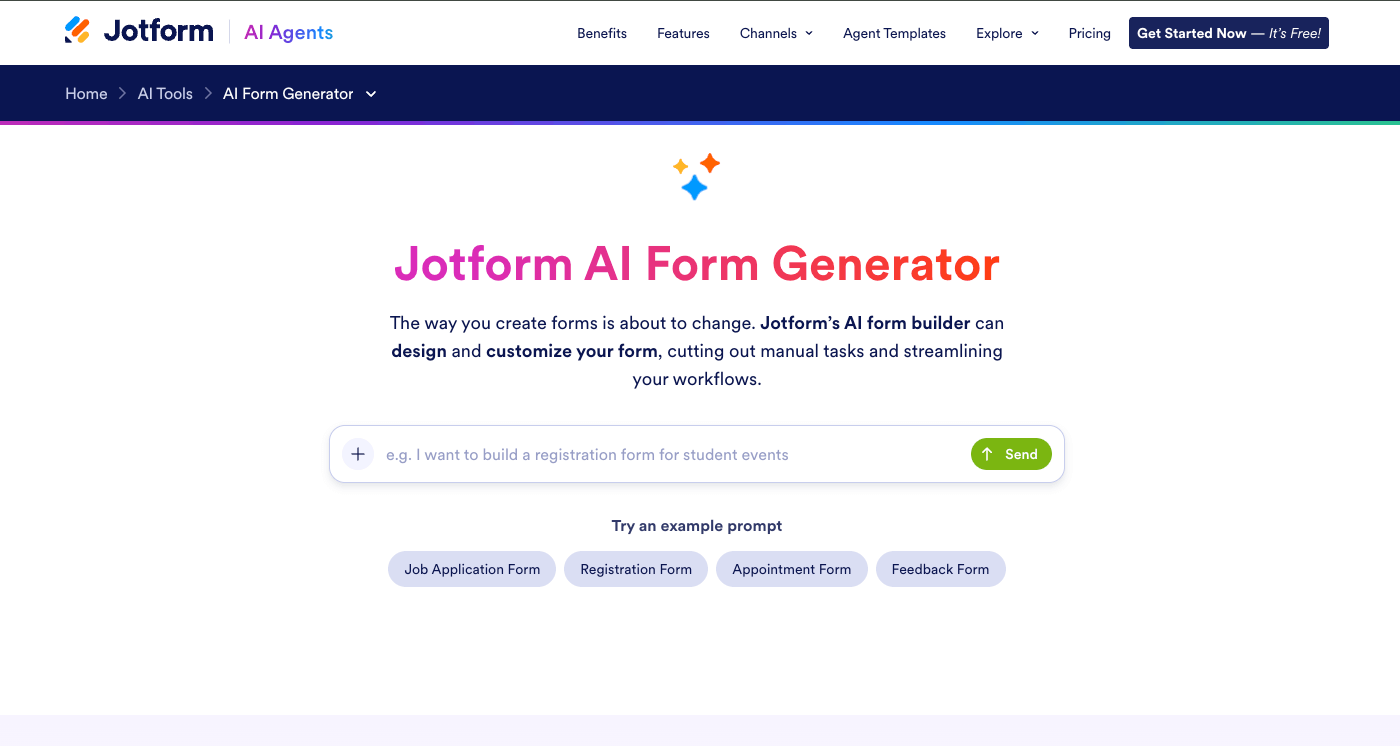
🔗 Visit: https://www.jotform.com
Jotform offers extensive template library covering every use case from registration forms to complex surveys, significantly reducing setup time.
Native payment collection through 40+ gateways including Stripe, PayPal, and Square enables order forms, donation collection, and booking payments.
Advanced conditional logic shows/hides fields dynamically while automatic calculations process numeric data within forms.
Built-in electronic signature fields enable contract signing, approval documentation, and legal agreements directly in forms.
🔗 Visit: https://www.typeform.com
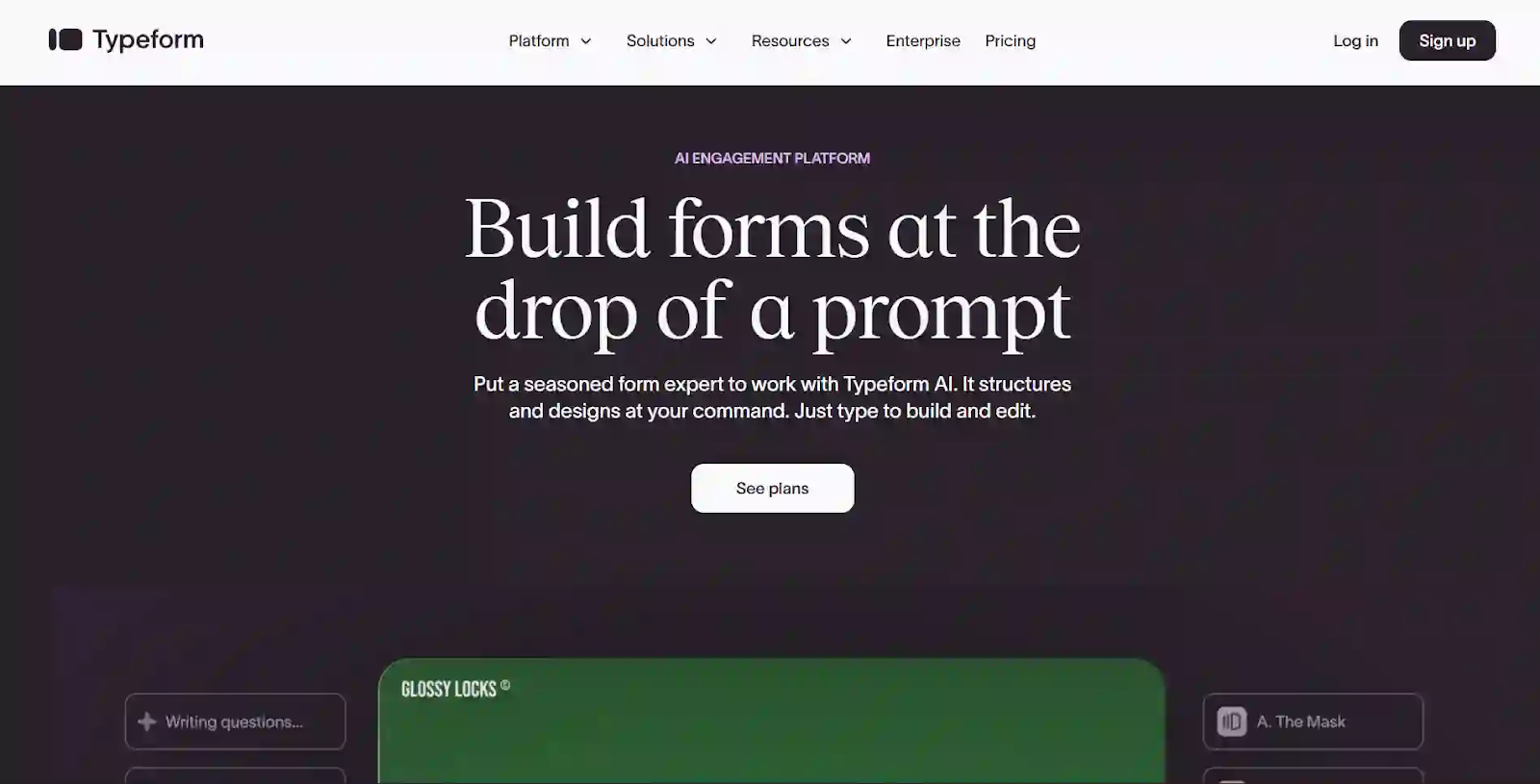
Conversational interface presents single questions sequentially, reducing form abandonment and improving completion rates.
Intelligent branching creates personalized user experiences based on responses, making forms feel interactive and engaging.
Pre-designed themes with images, videos, and animations create visually appealing forms that match brand identity.
Deep analytics track engagement metrics while integrations with CRM and marketing tools automate lead capture workflows.
🔗 Visit: https://forms.app
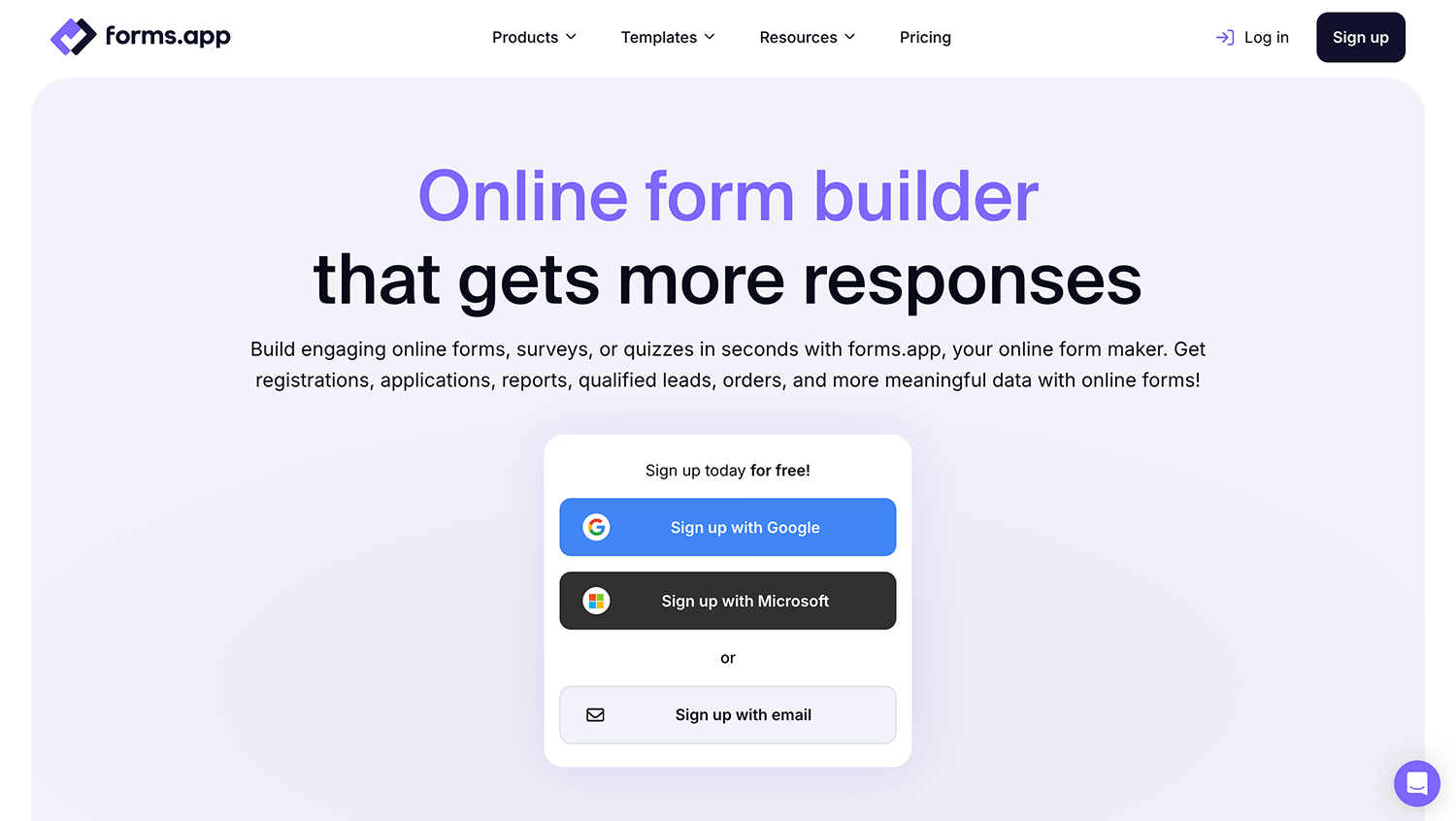
forms.app's built-in AI form generator creates complete, ready-to-use forms in seconds from a simple text prompt. Additional AI tools help with question suggestions, option generation, and response analysis.
Unlike Google Forms' single fixed layout, forms.app lets you present questions one at a time in a conversational step view, or all at once in a classic list view, giving you full control over the form-filling experience.
Native integrations with Stripe and PayPal enable direct payment collection within forms. You also have the ability to list products and automatically calculate the price.
Automatically generate polished PDF documents (invoices, applications, contracts, or reports) from form submissions using custom templates, a feature Google Forms does not offer.
🔗 Visit: https://forms.office.com
Native connectivity with Excel, SharePoint, Teams, and Power Automate enables automated workflows within the Microsoft ecosystem.
Multiple team members can design forms simultaneously with changes syncing instantly across Microsoft accounts.
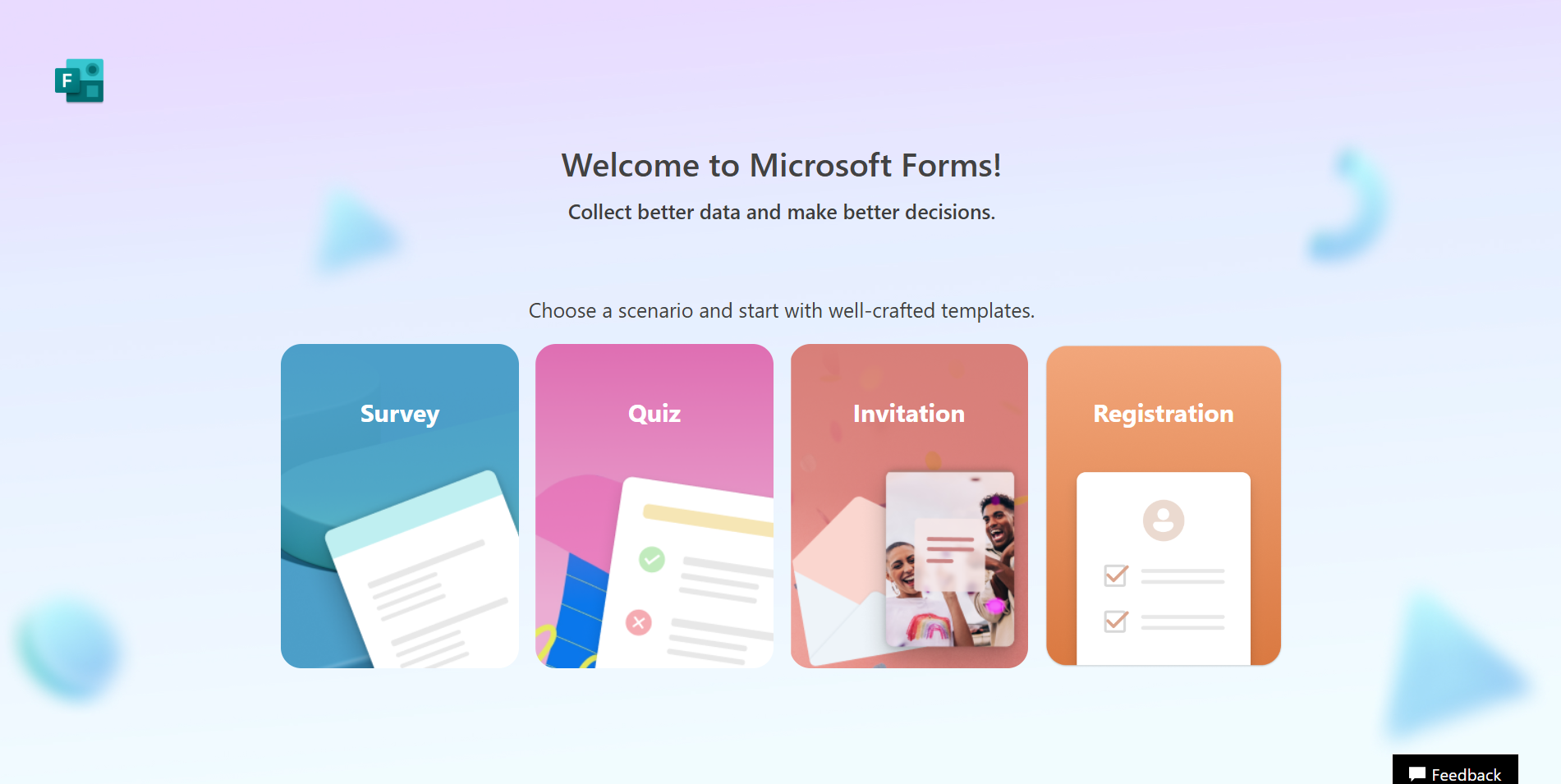
Built-in scoring, answer keys, and automatic grading make it ideal for educational assessments and training evaluations.
Included with Microsoft accounts and Office 365 subscriptions at no additional cost.
🔗 Visit: https://www.cognitoforms.com
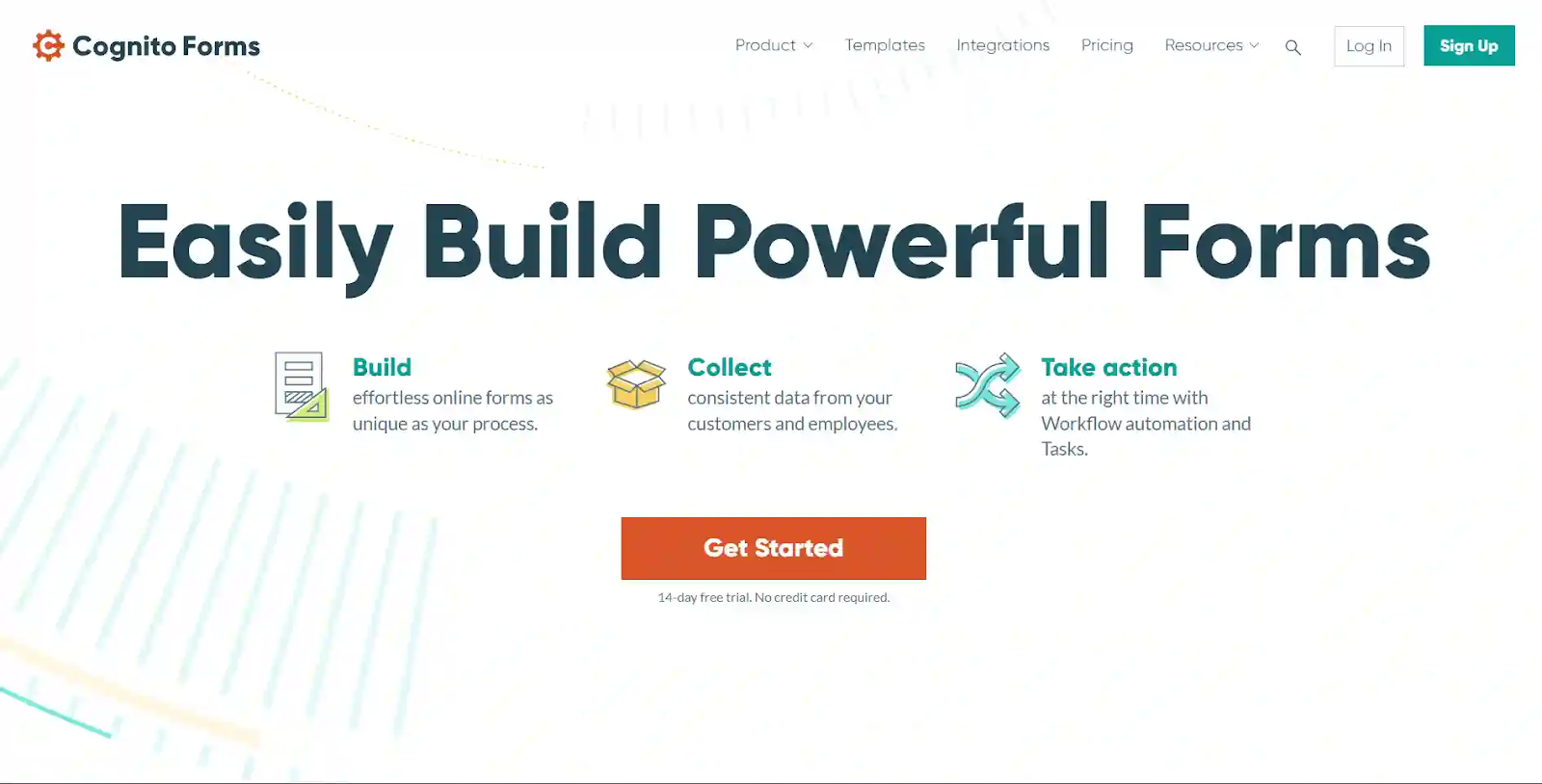
Sophisticated rules engine supports multi-level conditions, cascading logic, and dynamic field visibility far beyond Google Forms capabilities.
Allow users to add multiple instances of field groups within single form submission - ideal for order forms with variable items.
Perform complex mathematical operations, date arithmetic, and conditional calculations automatically within forms.
PCI-compliant payment collection with Stripe and Square integration for order processing and registration fees.
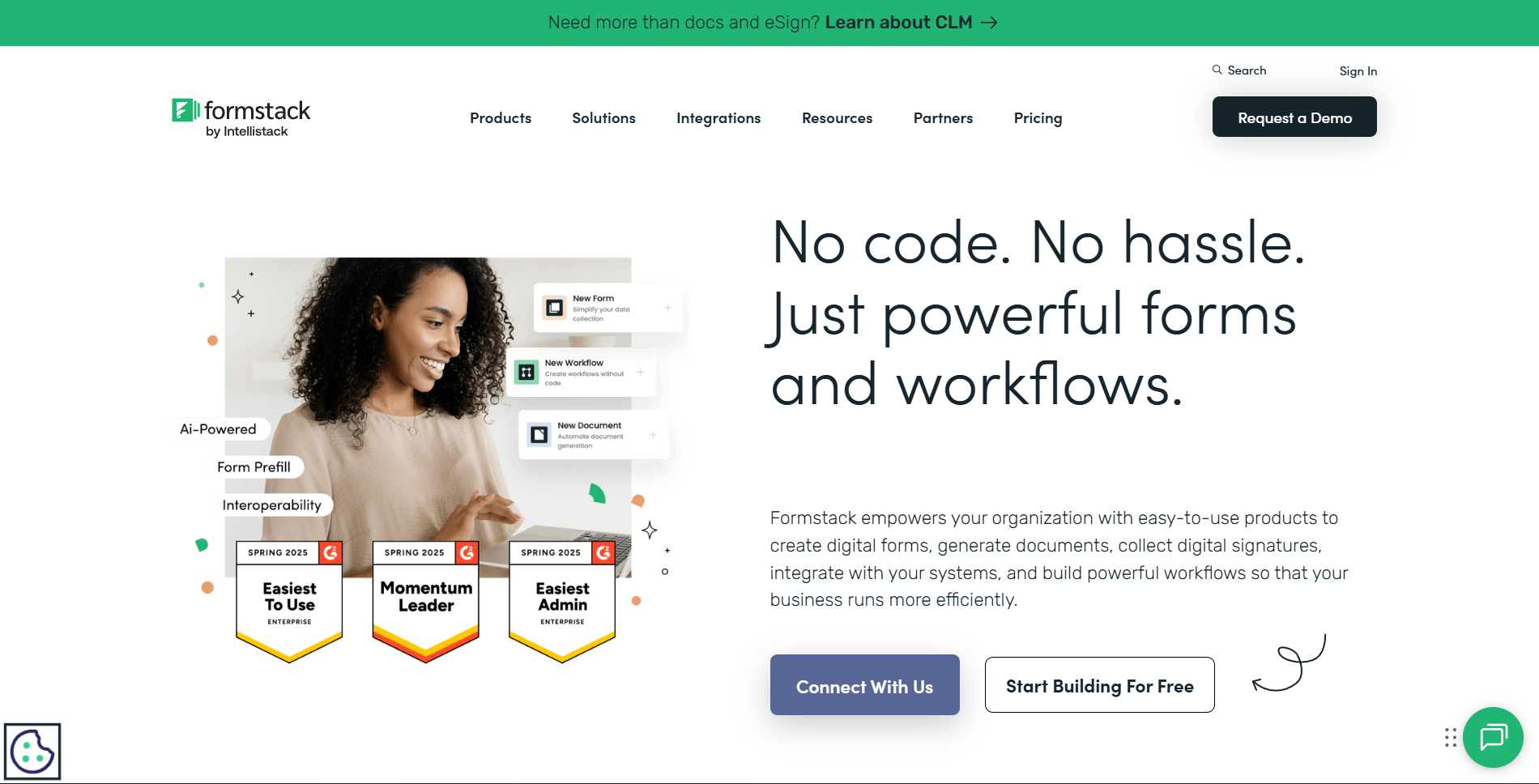
🔗 Visit: https://www.formstack.com
Enterprise-grade security with HIPAA compliance, data encryption, and secure form submission for healthcare and regulated industries.
Route submissions through approval chains, trigger notifications, and integrate with business systems automatically.
Test form variations, track conversion rates, and optimize completion rates through built-in experimentation tools.
Automatically populate form fields from databases, URLs, or previous submissions to reduce user input effort.
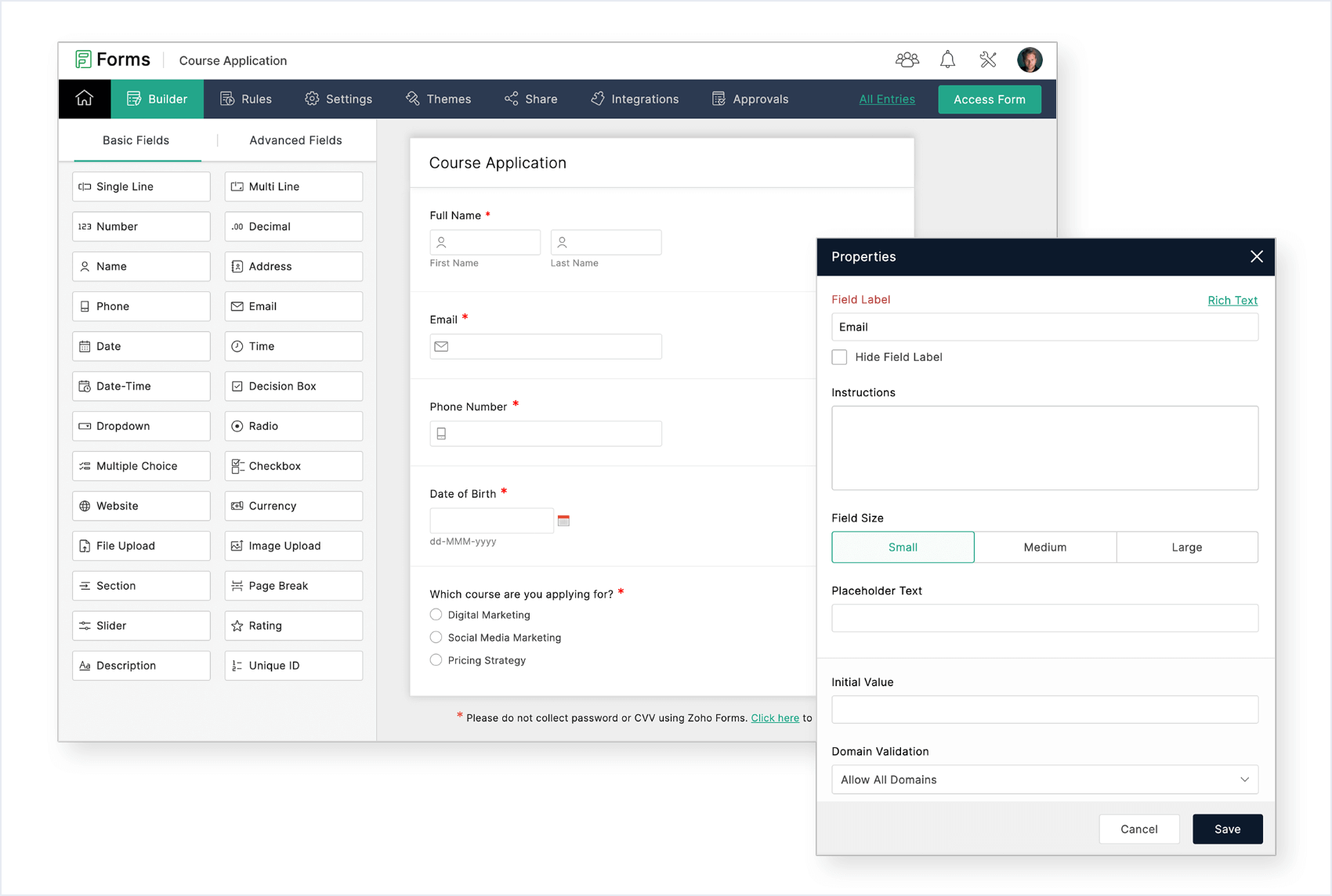
🔗 Visit: https://www.zoho.com/forms
Seamless connectivity with Zoho CRM, Zoho Analytics, Zoho Books, and the entire Zoho suite for unified business operations.
Dedicated mobile apps enable offline data collection with automatic synchronization when connectivity returns.
Specialized fields including geolocation, image selection, ratings, matrix questions, and subforms provide versatility.
Complete white-labeling with custom domains, branded emails, and removal of Zoho branding on forms.
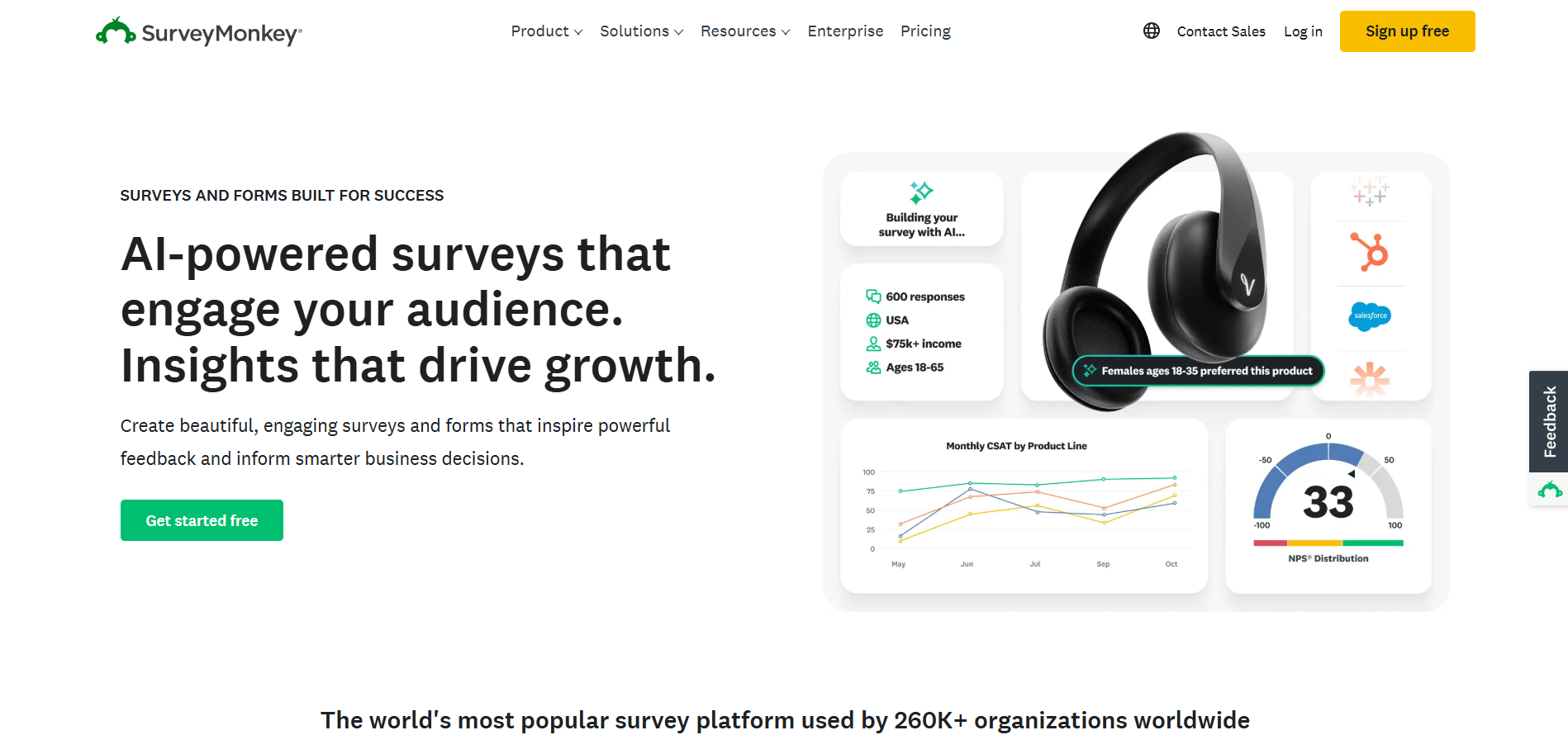
🔗 Visit: https://www.surveymonkey.com
Extensive question types, survey logic, and randomization features create statistically valid research surveys.
Statistical analysis tools, cross-tabulation, trend analysis, and data filtering provide deep insights from responses.
Access to survey panels enables targeted respondent recruitment for market research studies.
Connect with Salesforce, Marketo, Tableau, and 100+ business tools for automated data workflows.
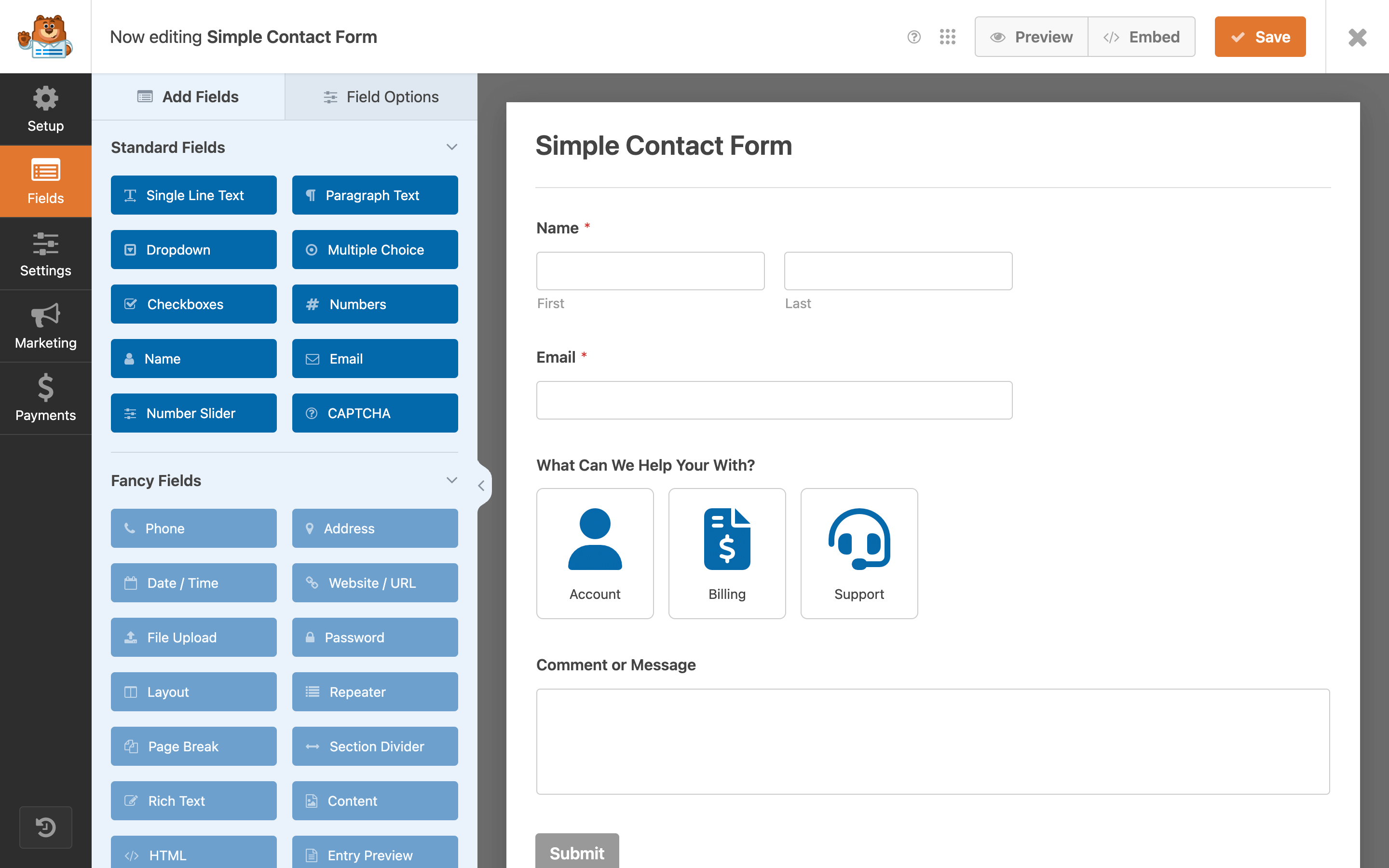
🔗 Visit: https://wpforms.com
Seamlessly embeds within WordPress sites with visual form builder and instant preview capabilities.
User-friendly interface enables non-technical WordPress users to create forms quickly without coding knowledge.
Form templates for contact, registration, payment, survey, and donation forms accelerate form creation.
Accept payments through Stripe/PayPal and connect with email marketing services like Mailchimp and AWeber.
Complete feature comparison of leading form builders and business app platforms
| Feature | Google Forms | Clappia | Jotform | Typeform | Microsoft Forms |
|---|---|---|---|---|---|
| Offline Mobile Apps | ✗ Not available | ✓ Full offline with auto-sync | ✗ Web only | ✗ Web only | ✗ Web only |
| AI Automation | Basic | ✓ Built-in AI Block (OpenAI, Claude, Gemini) | Limited | ✗ Not available | ✗ Not available |
| GPS Location Tracking | ✗ Not available | ✓ Built-in with live tracking & geofencing | Plugin required | ✗ Not available | ✗ Not available |
| QR/Barcode Scanning | ✗ Not available | ✓ Native camera scanner | Limited | ✗ Not available | ✗ Not available |
| Digital Signatures | ✗ Not available | ✓ Native signature capture | ✓ E-signature field | Limited | ✗ Not available |
| Payment Integration | ✗ Not available | ✓ Razorpay, Stripe, PayPal | ✓ 40+ gateways | ✓ Available | ✗ Not available |
| Workflow Automation | Basic email only | ✓ Multi-level approvals, AI routing | ✓ Advanced workflows | ✓ Good automation | ✓ Power Automate |
| Conditional Logic | Basic sections | ✓ Advanced branching & dynamic rules | ✓ Advanced logic | ✓ Logic jumps | Basic |
| Mobile Apps (Native) | Web responsive only | ✓ Native iOS & Android apps | Mobile responsive | Mobile responsive | Mobile responsive |
| Custom Branding | Limited | ✓ Complete white-labeling | ✓ Complete | ✓ Complete | Limited |
| Real-Time Analytics | Basic charts | ✓ Live dashboards, reports, charts | ✓ Analytics included | ✓ Analytics included | Basic charts |
| Dynamic PDF Generation | ✗ Not available | ✓ Custom templates & branding | Limited | ✗ Not available | ✗ Not available |
| Pricing | Free | Free + $6/user/month | Free + $34/month | Free + $25/month | Free (with Microsoft 365) |
| Best For | Basic surveys & quizzes | Business apps, field ops, enterprise workflows | Versatile forms with templates | Engaging conversational forms | Microsoft ecosystem users |
Google Forms cannot function offline or capture GPS coordinates, making it unsuitable for:
Clappia Solution: Offline mobile apps with GPS tracking and field data collection capabilities work anywhere.
Google Forms lacks built-in approval routing, requiring manual email forwarding:
Clappia Solution: Approval workflows with conditional routing, email notifications, and automated status tracking.
Google Forms cannot scan barcodes or track items systematically:
Clappia Solution: Native QR/barcode scanning with inventory management capabilities.
Google Forms lacks verification features for accurate attendance:
Clappia Solution: GPS location verification, QR code scanning, and digital signatures.
Google Forms offers no native payment processing:
Clappia Solution: Integrated payment gateway support with Razorpay, Stripe, and PayPal.
Google Forms cannot capture rich inspection data:
Clappia Solution: Quality inspection apps with photo capture, signatures, dynamic PDF reports.
Consider these factors when selecting your form builder alternative:
Choose Google Forms if: You need basic surveys, simple feedback forms, or quiz creation with Google Workspace integration.
Choose Clappia if: You require offline data capture, GPS verification, barcode scanning, signatures, or field operations support.
Choose Typeform if: User engagement and completion rates are priorities with conversational form experience.
Choose Jotform if: You need extensive templates, payment processing, and versatile form types.
Choose forms.app if: You need an all-rounder form tool with rich features and design options.
Choose Google Forms if: Manual email notifications suffice for your process.
Choose Clappia if: You need multi-level approvals, conditional workflows, automated routing, and business process automation.
Choose FormStack if: Enterprise workflow automation with HIPAA compliance is required.
Choose Microsoft Forms if: You're embedded in Microsoft ecosystem with Power Automate workflows.
Choose Google Forms if: All users have reliable internet connectivity.
Choose Clappia if: Field teams work in remote locations, underground facilities, or areas with poor connectivity requiring offline functionality.
Choose Zoho Forms if: Offline capability is needed within Zoho ecosystem.
Choose forms.app if: You need a mobile application, build and track your forms on the go.
Choose Google Forms if: Basic form fields satisfy your requirements.
Choose Clappia if: You need GPS tracking, QR scanning, digital signatures, AI processing, or payment collection.
Choose forms.app if: You need e-signatures, payment collection, step view and list view layout options, PDF generation from responses, and different embedding options.
Choose Cognito Forms if: Advanced calculations and repeating sections are priorities.
Choose Google Forms if: Free solution meets all needs.
Choose Clappia if: You want unlimited apps at $6/user/month with enterprise features.
Choose forms.app if: You need a generous free plan and fair pricing.
Choose Microsoft Forms if: You have existing Microsoft 365 subscription.
Choose Jotform if: Budget allows $34/month for advanced form features.
Transform your data collection with Clappia's AI-powered no-code platform. Build complete business applications with forms, workflows, mobile apps, and automation that Google Forms cannot match.
Free Plan Available - Build unlimited apps with core features at no cost.
L374, 1st Floor, 5th Main Rd, Sector 6, HSR Layout, Bengaluru, Karnataka 560102, India
3500 S DuPont Hwy, Dover,
Kent 19901, Delaware, USA


.svg)




3500 S DuPont Hwy, Dover,
Kent 19901, Delaware, USA
L374, 1st Floor, 5th Main Rd, Sector 6, HSR Layout, Bengaluru, Karnataka 560102, India

.jpg)
.avif)
.jpg)