Users searching for an employee tracking app want a simple, accurate, real-time solution to monitor employees, track sales teams in the field, and improve productivity. They also look for features like live location tracking, GPS-based updates, attendance, visit logs, task completion, and performance insights.
An employee tracking app is a mobile and web solution that helps businesses track the real-time location, activities, and productivity of their workforce, especially field staff, sales teams, service executives, and on-the-go employees.
It improves visibility, eliminates manual reporting, and offers better control over on-field operations.
Companies searching for employee tracking solutions are trying to solve common challenges like monitoring field staff, verifying attendance, reducing idle time, and improving sales team efficiency. Common searches include:
These searches reveal what businesses struggle with and what they want to solve.
Businesses frequently search for real-time GPS tracking for salespeople to gain full visibility into their field sales activities. With an advanced employee tracking app, managers can monitor every salesperson's live location, movement, and travel routes without repeatedly calling them.
This enables companies to:
Real-time location tracking ensures better control, optimized routing, and improved sales performance.
Organizations looking to boost revenue often search for sales productivity tracking tools and sales team management software. An employee tracking app consolidates all sales activities into a single, easy-to-use dashboard.
Businesses can track:
This helps managers measure productivity accurately, identify gaps, and improve overall sales efficiency.
Companies managing delivery staff, technicians, agents, and auditors increasingly search for field force management software. An employee tracking app enables field staff to update work status instantly from the field.
Key benefits include:
Streamlined field operations lead to better coordination, faster execution, and improved service quality.
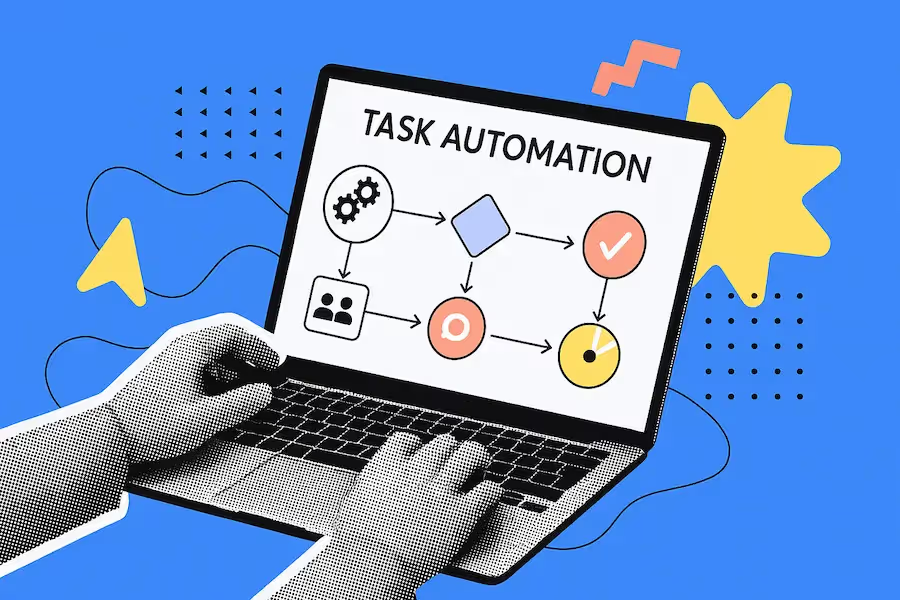
Businesses searching for automated employee tracking systems want to eliminate WhatsApp updates, Excel sheets, and manual phone reporting. An employee tracking app digitizes all tracking and reporting processes.
With automation, companies can:
Replacing manual tracking with digital systems saves time, improves data accuracy, and enhances operational transparency.
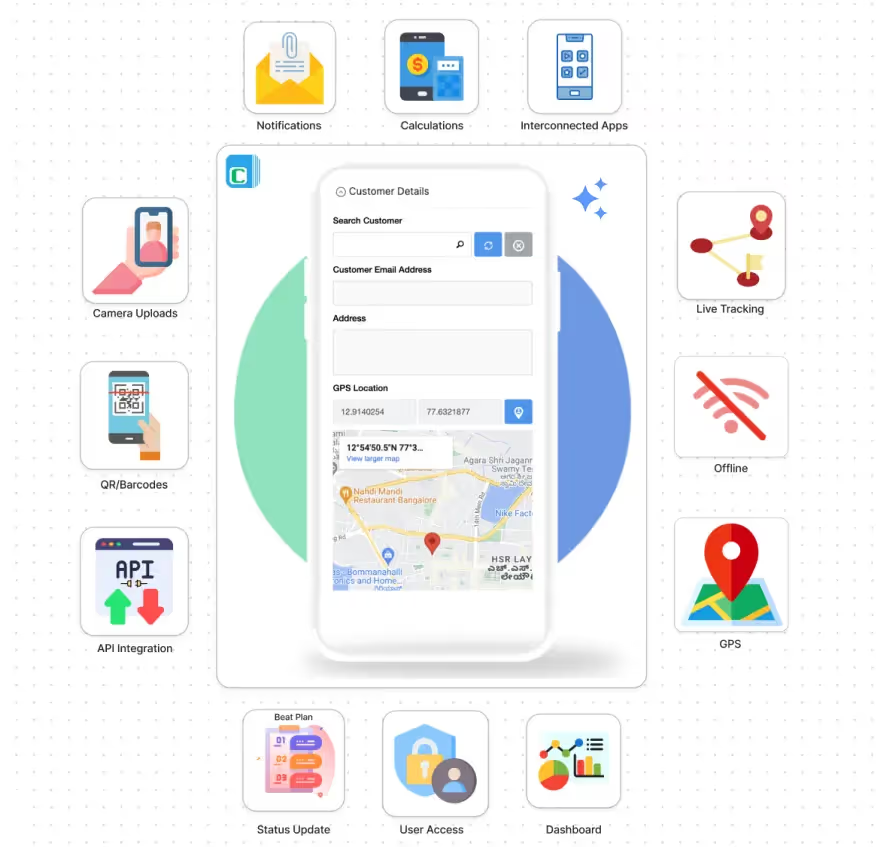
Users searching for real-time employee location tracking want to eliminate uncertainty around employee movement during working hours. The intent is to know exactly where employees are, whether they are at assigned locations, and how efficiently their time is being used.
GPS tracking features help businesses reduce constant follow-up calls, prevent false location reporting, ensure field presence, and make faster operational decisions using live GPS data.
Perfect for companies with field sales teams. Track:
Live location: Users want real-time visibility into the exact location of salespeople throughout the day. The intent is to ensure transparency, confirm field presence, and avoid reliance on manual updates or phone calls.
Total visits: Managers search for this to understand how many customer or site visits are actually completed, not just planned. This helps evaluate daily productivity, coverage efficiency, and territory utilization.
Meeting outcomes: Businesses want to track the result of each sales meeting, not just the visit itself. The intent is to capture whether a meeting was productive, what was discussed, and what the next action is (follow-up, negotiation, or closure).
Orders collected: Companies want a real-time, mobile-friendly way to record orders directly from the field. This removes delays, prevents data loss, speeds up order processing, and ensures accurate sales reporting.
Route taken: Managers want to verify whether salespeople are following planned and efficient routes. This helps identify wasted travel time, reduce fuel costs, improve daily planning, and ensure optimal field coverage.
Users searching for field employee tracking are typically managing delivery teams, technicians, auditors, or service staff who operate outside the office. Their intent is to ensure that work is being performed as assigned and completed on time.
This feature enables real-time monitoring of field activities, better coordination between managers and staff, and improved service reliability without micromanagement or manual reporting.
Businesses searching for automated attendance systems want to eliminate inaccurate attendance records, attendance fraud, and manual timesheets.
Geo-fenced attendance: Users searching for geo-verified attendance want to ensure that employees can mark attendance only when they are physically present at the actual work location. The primary intent is to eliminate false check-ins, proxy attendance, and location misreporting.
By verifying attendance through GPS coordinates, businesses gain confidence that recorded attendance truly reflects on-ground presence, improving trust, accountability, and compliance across the workforce.
Time-in and time-out: Users searching for time-in and time-out tracking want precise visibility into actual working hours, not just attendance presence. The intent is to record exact start and end times of work, tied to location and date.
This helps businesses calculate work hours accurately, prevent early punch-ins or late punch-outs, and generate dependable data for payroll, productivity analysis, and labor compliance.
Shift compliance: HR teams and operations managers searching for shift compliance tracking want to ensure employees adhere to assigned work schedules without manual supervision. The intent is to automatically track whether employees start, end, and work within their designated shift timings.
This feature helps organizations reduce shift violations, manage multiple shifts efficiently, and maintain consistency across teams, especially in operations that run on rotating or extended shifts.
Overtime logs: Businesses searching for overtime tracking systems want accurate and transparent overtime data to control labor costs and avoid payroll disputes. The user intent is to clearly differentiate regular work hours from overtime hours based on predefined rules.
Automated overtime logs ensure that extra work is properly recorded, approved, and compensated, simplifying payroll processing while maintaining regulatory and policy compliance.
Employees can scan and submit:
Tasks completed: Managers searching for real-time task tracking want instant visibility into what employees have actually completed during the day. The intent is to move away from end-of-day calls, WhatsApp updates, or delayed manual reports.
By allowing employees to submit completed tasks directly from the app, businesses get live updates, accurate task records, and improved accountability without disrupting employees or managers.
Customer visits: Businesses searching for customer visit tracking software want detailed and verifiable documentation of field interactions. The intent is to ensure that customer visits genuinely happened and were carried out as planned.
This includes capturing visit time, location, purpose, and outcomes, helping companies improve customer coverage, track sales or service activities, and maintain a reliable interaction history.
Expenses with bills: Companies looking for employee expense tracking apps want a simple, transparent, and paperless way to manage expenses. The user intent is to eliminate manual claim forms, lost bills, and reimbursement delays.
By allowing employees to upload expense details with bill images directly from the app, businesses reduce fraud, speed up approvals, and ensure accurate reimbursement processing.
Daily reports: Managers searching for automated daily activity reports want a consolidated view of employee performance without chasing individuals for updates. The intent is to receive structured, consistent summaries of tasks, visits, and expenses automatically.
Daily reports provide clear visibility into field activity, improve decision-making, and save managerial time by removing manual follow-ups.
Businesses searching for offline employee tracking apps operate in areas with unreliable or limited internet connectivity, such as rural locations, construction sites, warehouses, or on-site customer premises.
The core user intent is to ensure that employee reporting and tracking continues without disruption, regardless of network availability. Offline mode allows employees to record visits, tasks, attendance, and updates even when there is no internet connection.
All data is securely stored on the device and automatically synced once connectivity is restored, ensuring no data loss and consistent reporting across all locations. This feature is critical for organizations with geographically distributed or remote field operations.
Track KPIs such as:
Distance travelled: Managers want to verify field movement, prevent unnecessary travel claims, and optimize route efficiency.
Number of visits: Businesses need a clear record of how many customer visits, service calls, or on-site activities employees complete each day.
Active hours: Companies want transparency around how many hours employees spend actively working versus idle time.
Productivity scores: Managers want a simplified performance metric that reflects overall employee output based on visits, tasks, hours, and efficiency.
Perfect for sales managers and operations heads.
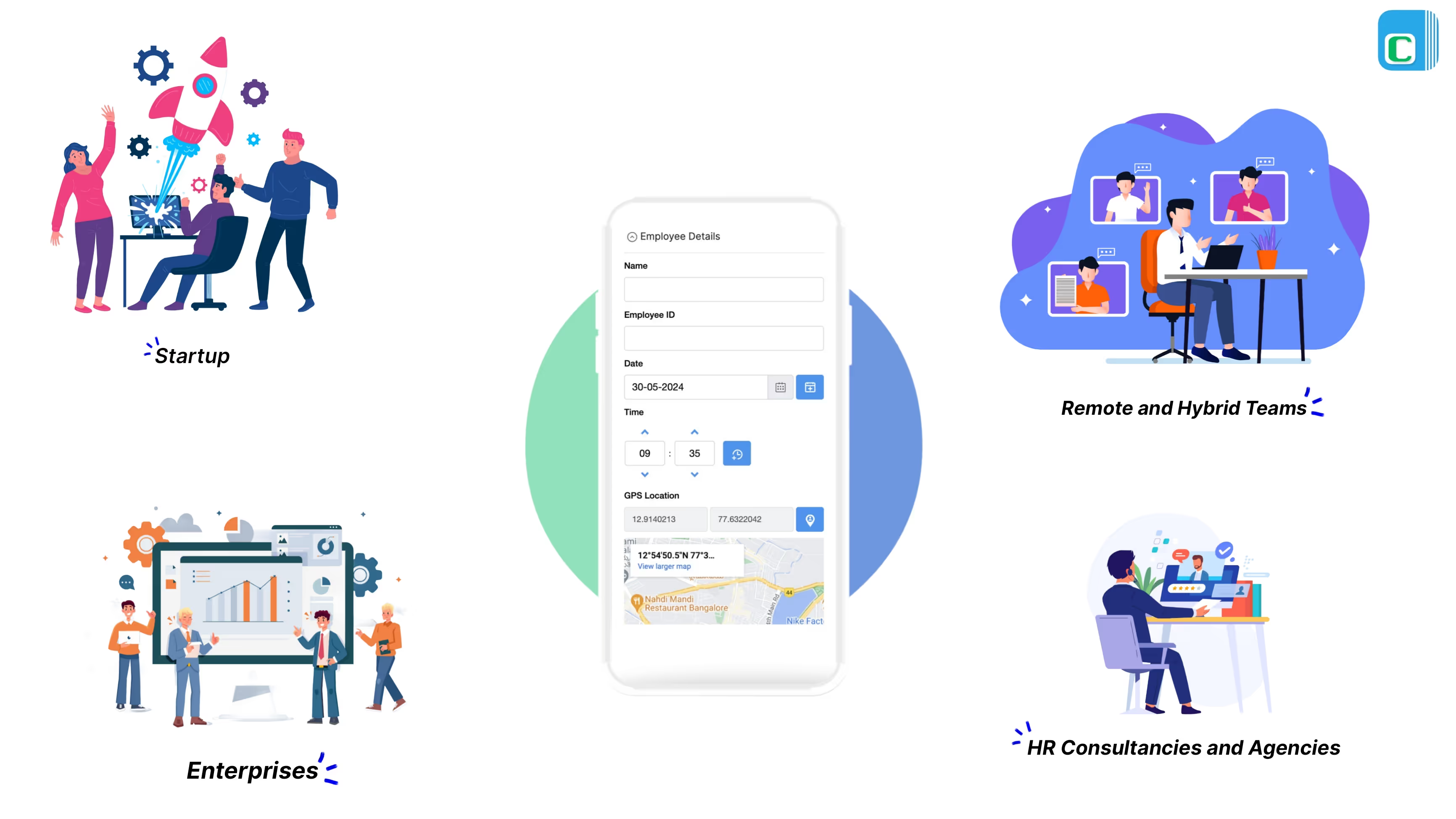
Employee tracking apps are used by a wide range of organizations that need real-time visibility, accurate reporting, and better control over field or remote teams. The most common users include:
Startups searching for an employee tracking app want fast, efficient workforce management without building large HR or administrative teams. The user intent is to automate core operational processes while staying lean and scalable.
This app helps startups track sales activity, attendance, daily tasks, and employee productivity in real time, allowing founders and managers to focus on growth instead of manual reporting and supervision.
Enterprises with large or nationwide field teams search for enterprise-grade employee tracking solutions to maintain consistency and control across departments and locations. The intent is to implement standardized tracking, reporting, and performance measurement at scale.
The app provides unified dashboards, consistent workflows, and centralized visibility, enabling leadership teams to monitor performance, ensure compliance, and make informed decisions across the organization.
Remote and hybrid organizations search for employee monitoring and productivity tracking apps to ensure accountability without micromanagement. The user intent is to maintain visibility into work hours, activity levels, and task completion across distributed teams.
The app enables accurate performance tracking, location-based validation (where required), and automated reporting, helping remote teams stay aligned, productive, and transparent.
HR consultancies and staffing agencies search for multi-client employee tracking platforms to manage workforce tracking across different organizations. The intent is to handle multiple teams efficiently using a single system.
With customizable templates and role-based dashboards, consultancies can track attendance, productivity, and performance for multiple clients while maintaining clear separation and standardized reporting.
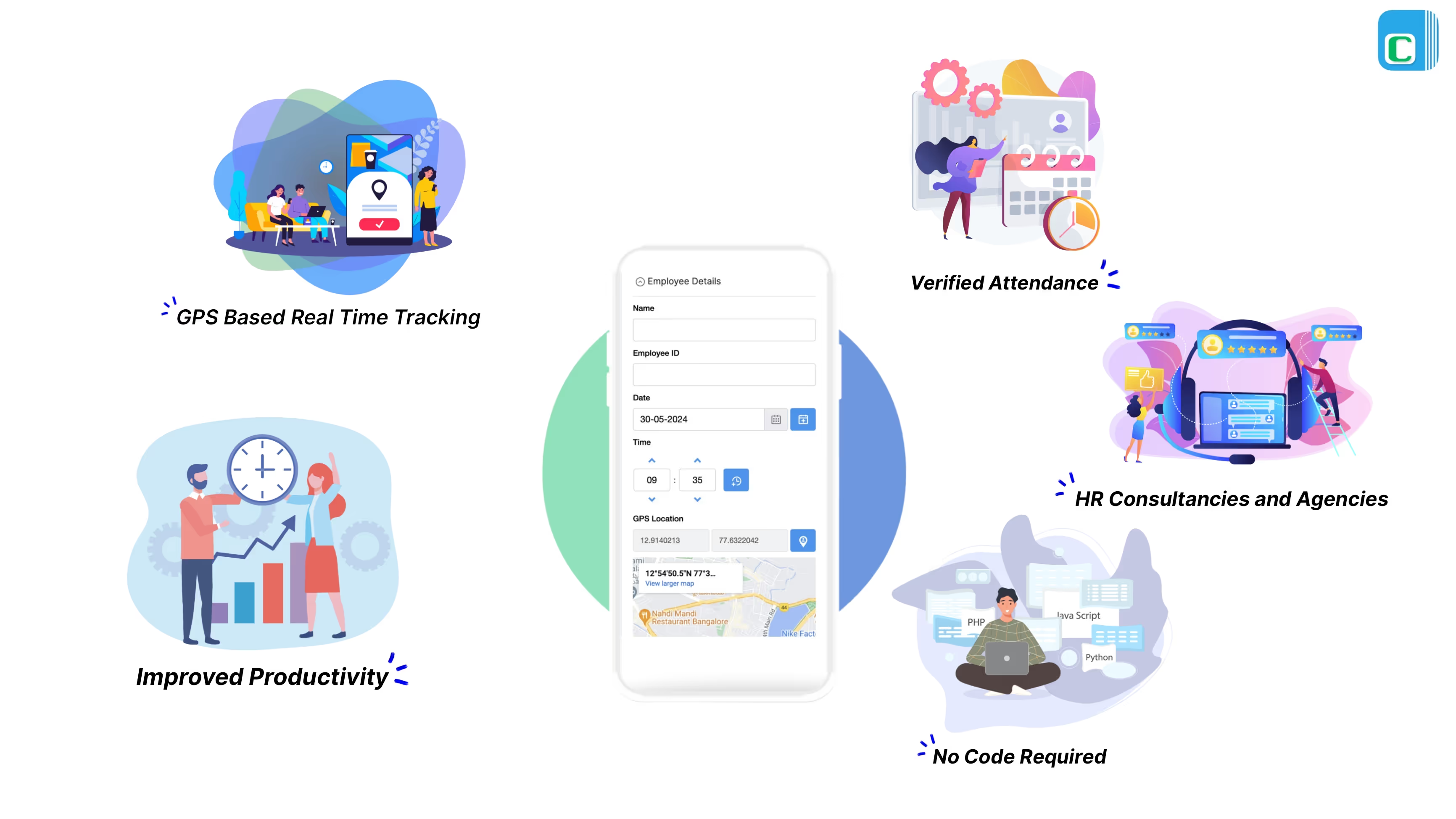
The number one searched feature is employee live location tracking and best employee GPS tracking app.
Managers get instant visibility into employee activity.
Eliminates fake check-ins or manual errors.
Faster response times and optimized field operations.
Build your own custom tracking app without developers.
With Clappia, you can build:
Sales tracking app: Users searching for a sales tracking app want an easy way to monitor salesperson movement, customer visits, orders collected, and daily performance all in one place. They need a real-time, mobile-friendly tool that improves field productivity without manual reporting.
Field employee tracking app: People looking for field employee tracking solutions want accurate GPS visibility, instant activity updates, and a system that ensures field staff, technicians, agents, and auditors are actually working on-site as claimed. They want real-time accountability and smoother field operations.
Employee live location tracking system: Searchers for live location tracking apps want to track where their employees are at any moment, verify routes, prevent fake check-ins, and improve team transparency. They need precise, real-time GPS updates to manage on-field teams effectively.
Workforce monitoring dashboard: Users searching for workforce monitoring tools want a centralized dashboard showing attendance, visits, tasks, performance, and daily activity. They're looking for a simple way to view everything about their workforce without switching between apps.
Attendance, visits, and expense tracking app: Businesses searching for this type of app want to automate attendance, verify customer visits, and collect expenses with proof without paperwork or manual approvals. They need an all-in-one system that removes fake entries and speeds up reporting.
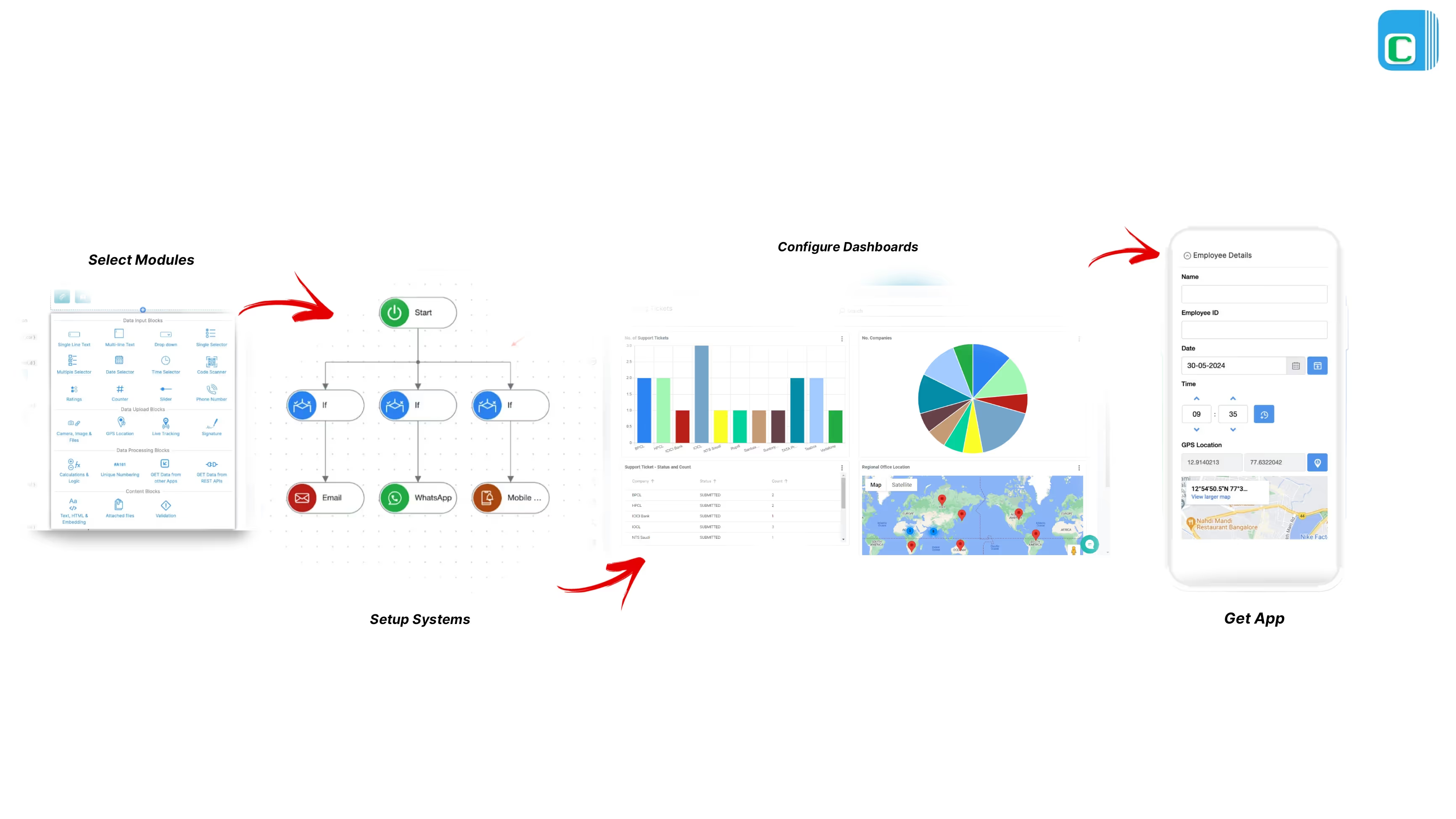
Employee tracking software is a useful tool for managing your team's performance, activities, and location. It can help you monitor sales targets, leads, visits, expenses, feedback, and more. It can also help you optimize your strategy, improve customer satisfaction, and increase revenue.
With Clappia, you can build your own employee tracking app in four easy steps:
Clappia offers various modules that you can use to create your app. For example, you can use the Location module to capture the GPS coordinates of your employee's visit, the Image module to upload photos of the products or receipts, the Signature module to collect customer signatures, the Barcode module to scan product codes, and so on.
You can also create custom fields and validations as per your requirements.
Clappia lets you configure processes, automation rules, notification messages, approval permissions, and time-bound behaviors using a visual editor. For example, you can set up a workflow that automatically assigns leads to employees based on their location or availability, sends email or SMS alerts to them and their managers when a visit is completed or a sale is made, triggers an invoice generation when a payment is received, and more.
Clappia allows you to create interactive dashboards that display real-time data and insights from your app. You can use various charts, graphs, tables, maps, and filters to visualize and analyze your data.
For example, you can see the total sales amount, average sales per person, number of visits per day or week, customer feedback ratings, expense reports, and more. You can also export or share your dashboards with others.
Once you are done with designing your app, you can publish it instantly and access it from any device (mobile or web). You can also invite your team members and managers to join your app and assign them different roles and permissions.
You can also update or modify your app anytime without affecting its functionality.
Businesses searching for reliable employee tracking, real-time GPS monitoring, sales team tracking, or field staff management tools want a solution that improves visibility, automates reporting, and boosts productivity.
With Clappia, you can build a fully customized employee tracking app complete with live location tracking, attendance automation, visit logs, tasks, and performance dashboards without writing a single line of code. Start Building Free today.
L374, 1st Floor, 5th Main Rd, Sector 6, HSR Layout, Bengaluru, Karnataka 560102, India
3500 S DuPont Hwy, Dover,
Kent 19901, Delaware, USA


.svg)




3500 S DuPont Hwy, Dover,
Kent 19901, Delaware, USA
L374, 1st Floor, 5th Main Rd, Sector 6, HSR Layout, Bengaluru, Karnataka 560102, India


.avif)